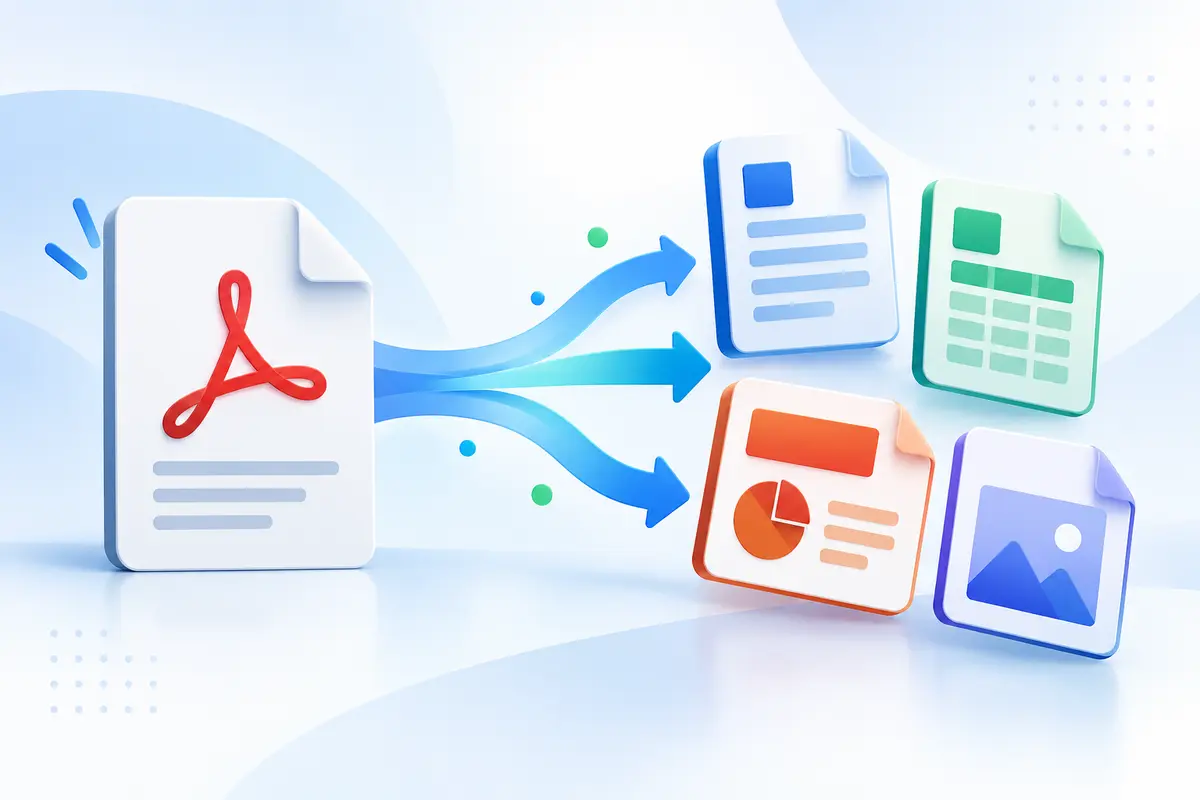
Guide 1 · PDF to Word guide
PDF to Word without losing formatting
Convert a selectable-text PDF to editable Word, understand which formatting can change, and use a page-by-page check to repair tables, columns, fonts and spacing.
Read the guide →Free ToolsFA PDF learning center
Use free practical guidance to preserve Word formatting, recognize scanned text, reduce file size, organize pages, edit safely, add signatures, recover damaged files and prepare archive copies.
Open all free PDF tools →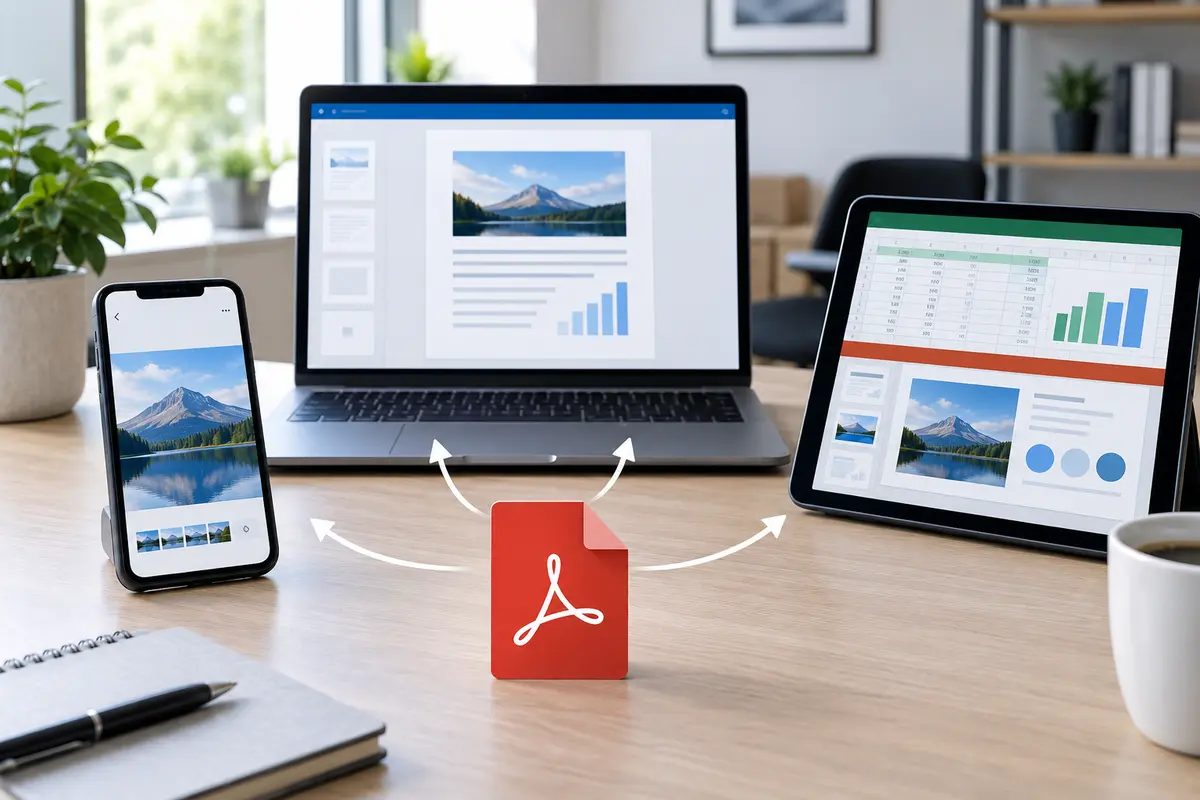
Guide 1 · PDF to Word guide
Convert a selectable-text PDF to editable Word, understand which formatting can change, and use a page-by-page check to repair tables, columns, fonts and spacing.
Read the guide →Guide 2 · Scanned PDF guide
Make an English scanned PDF searchable, understand what the ToolsFA OCR output includes, and verify names, numbers, page ranges and reading order before relying on it.
Read the guide →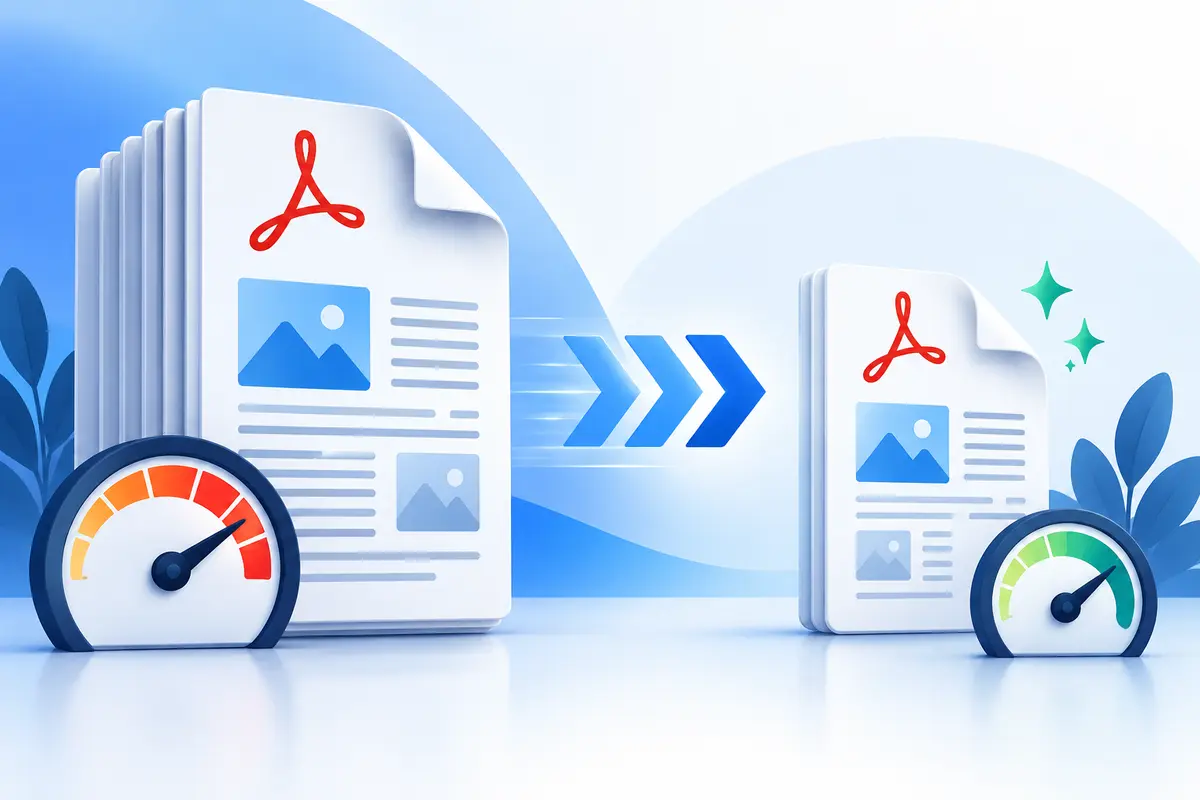
Guide 3 · PDF compression guide
Compress a PDF by percentage or target KB/MB range, understand what becomes flattened, and check whether the result is readable before emailing or uploading it.
Read the guide →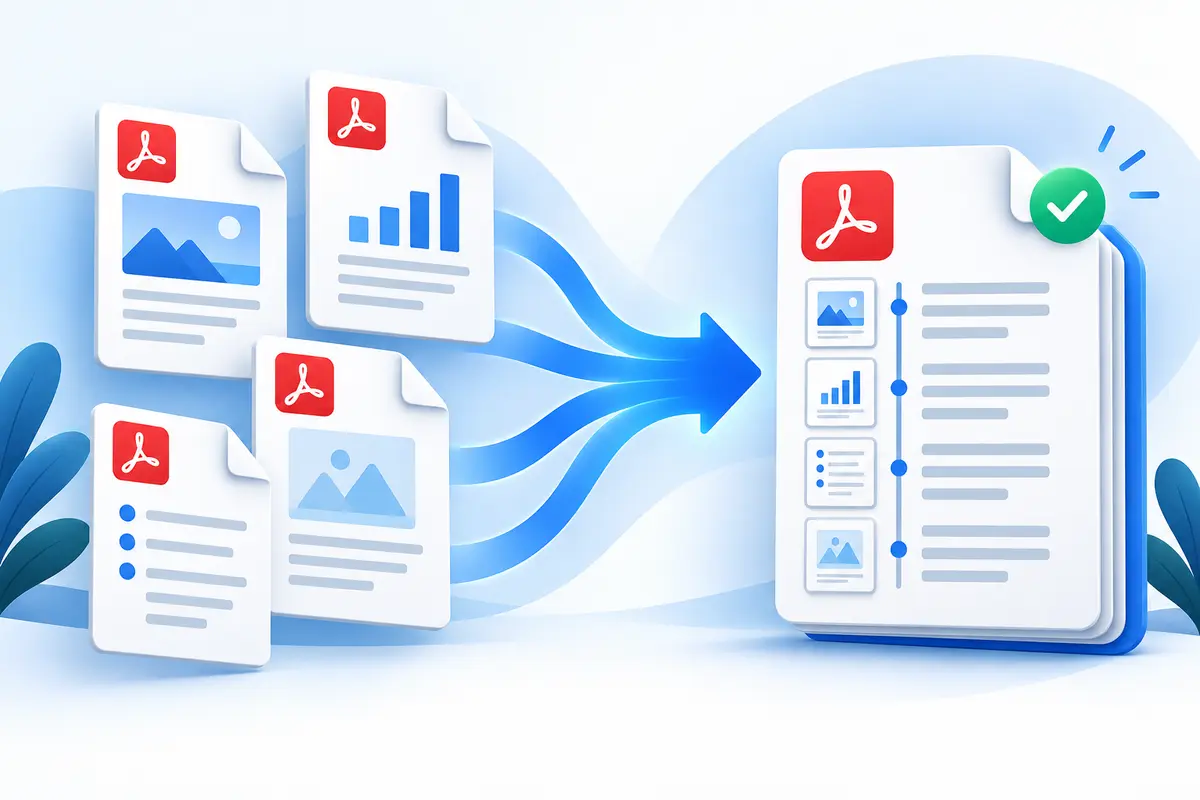
Guide 4 · PDF merging guide
Merge up to 30 PDFs in a chosen order, select or rearrange pages within each file, and verify duplicates, encryption, orientation and final page count.
Read the guide →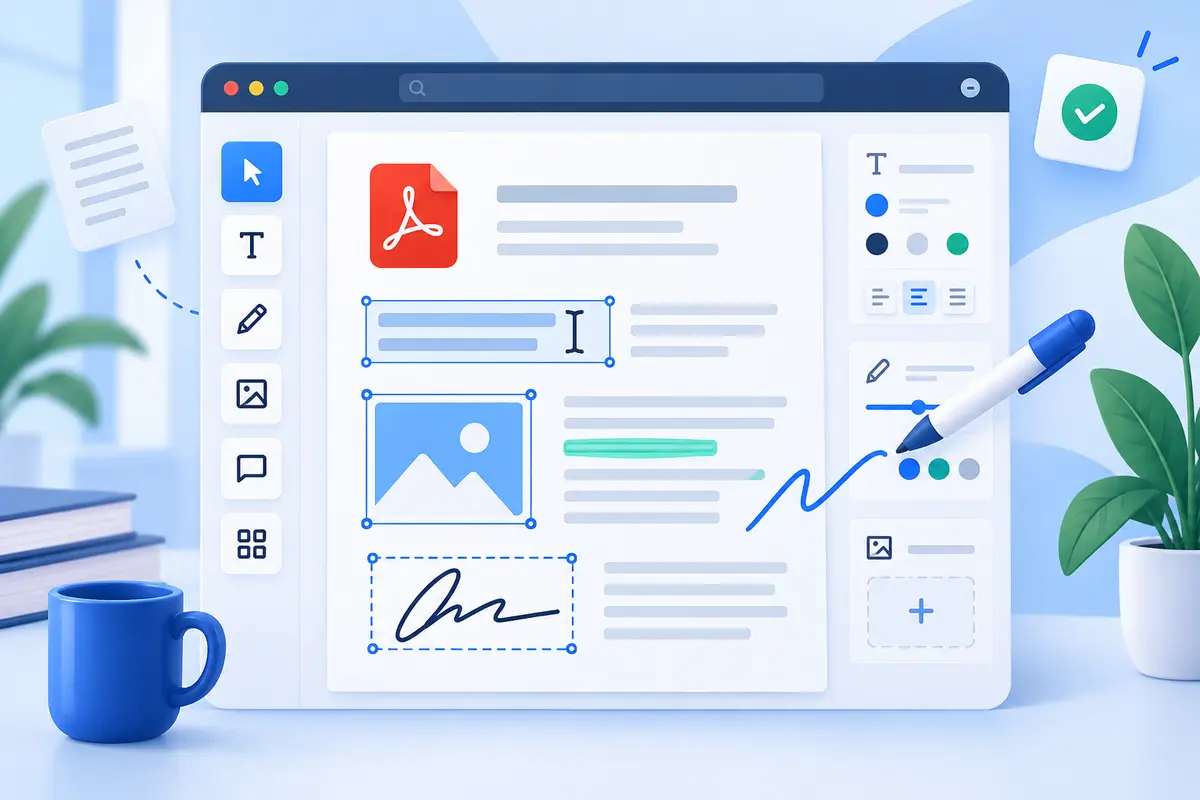
Guide 5 · PDF editing guide
Use the ToolsFA PDF editor to add or visually replace text, draw, sign, place images and shapes, and understand why whiteout is not secure redaction.
Read the guide →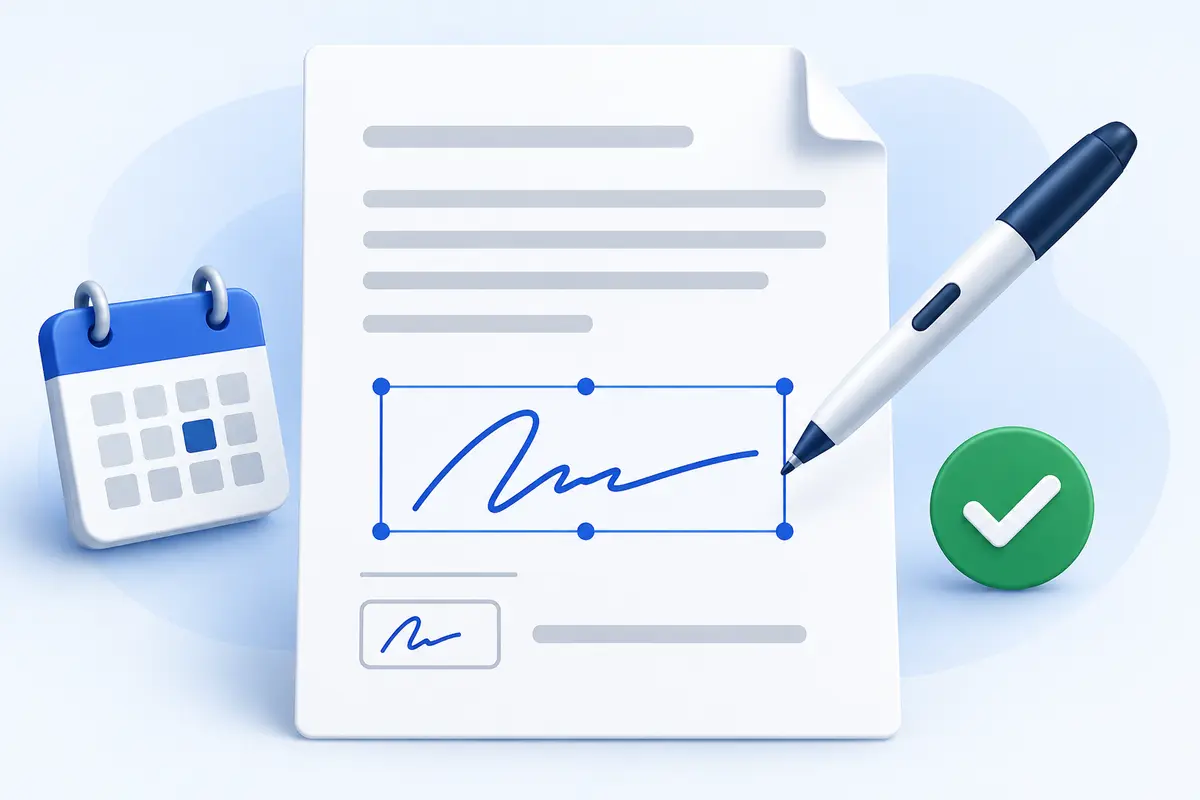
Guide 6 · PDF signature guide
Use the ToolsFA PDF signer to type, draw or upload a visible signature, add initials and dates, and distinguish an e-signature from a digital certificate.
Read the guide →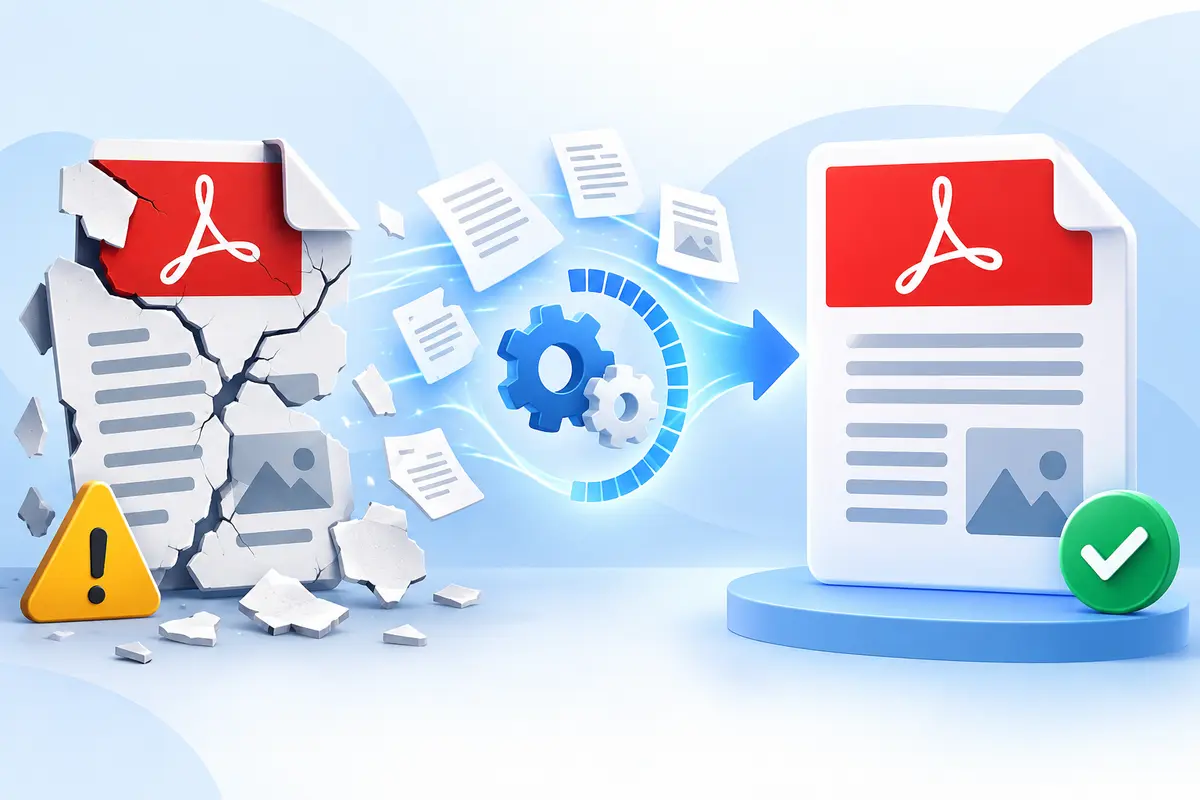
Guide 7 · Damaged PDF guide
Repair a corrupted PDF in your browser, understand page-by-page recovery limits, and verify missing pages, forms, signatures and document-level features before relying on the result.
Read the guide →Guide 8 · PDF format guide
Compare PDF with PDF/A-1, PDF/A-2, PDF/A-3 and PDF/A-4, understand validation, and use ToolsFA PDF/A Prep without mistaking a flattened copy for certified conformance.
Read the guide →
Guide 9 · PDF page organization guide
Learn how to put PDF pages in the right order, remove unwanted sheets, correct sideways scans and restore a page before you download.
Read the guide →Guide 10 · PDF form guide
Fill in a PDF form with clear text, dates, checkmarks and signatures. Learn how to check field placement, save a clean copy and avoid unsafe redaction.
Read the guide →Guide 11 · PDF file size guide
Reduce a PDF for an email attachment or upload limit without making small text, forms and images hard to read. Includes a simple review checklist.
Read the guide →Guide 12 · PDF assembly guide
Create one clean PDF from selected pages across several files. Learn how to choose pages, keep a logical order and review the result before sharing.
Read the guide →