PDF to Word and Excel
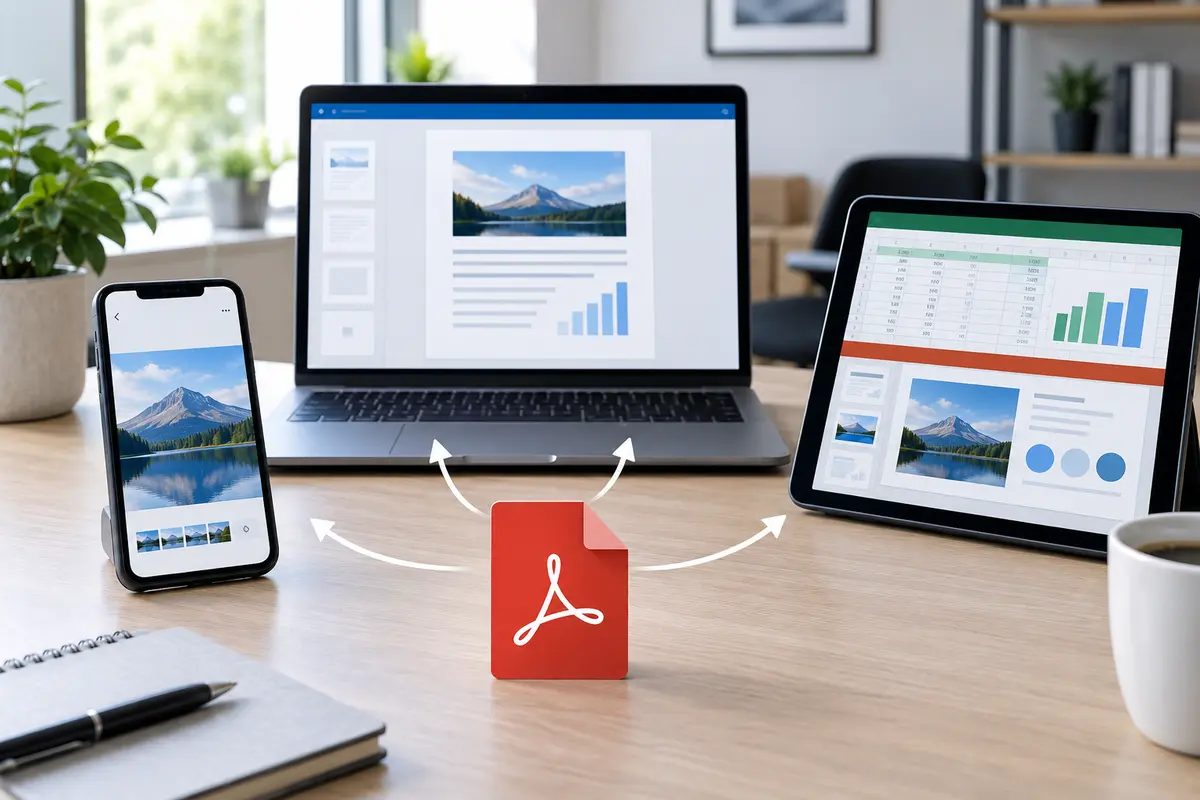
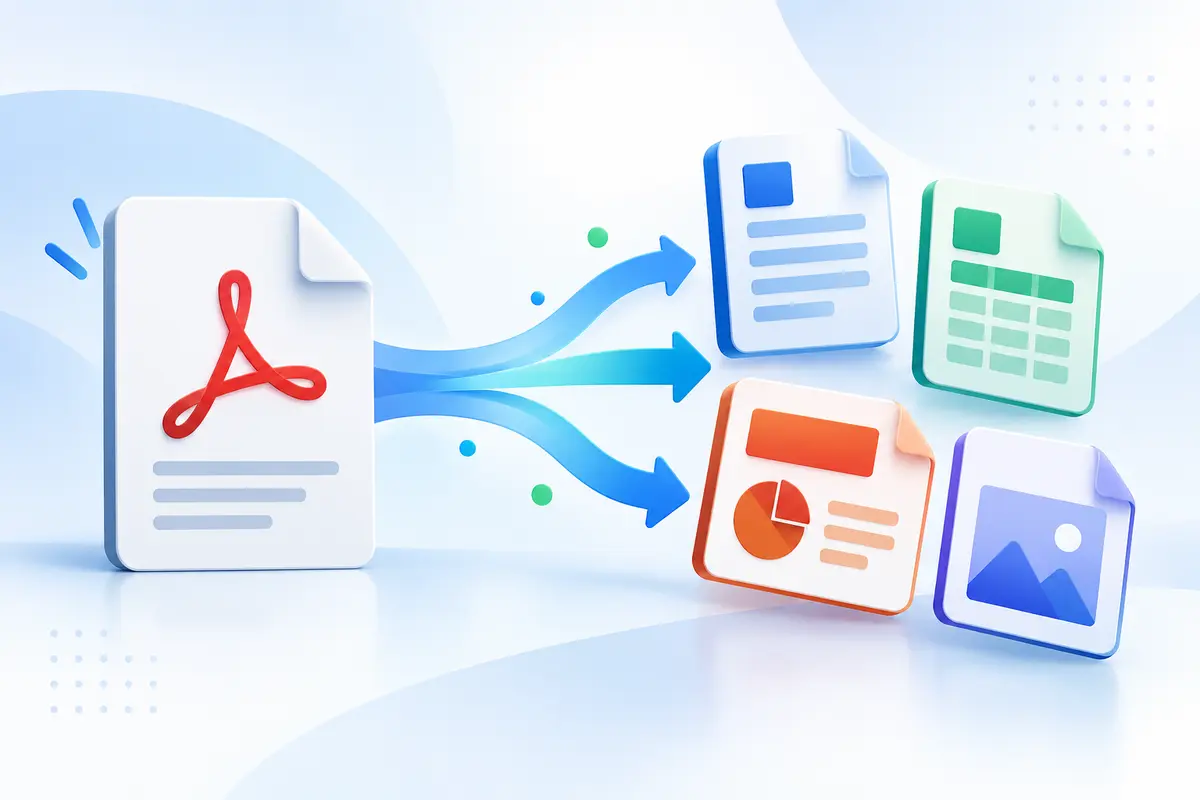
Word and Excel exports use the selectable text already stored in the PDF. Word creates an editable document organized by page. Excel creates a workbook with one worksheet per selected PDF page. These formats make copied information easier to reuse, although complicated tables, columns and visual layouts may require manual cleanup.
PDF to PowerPoint
PowerPoint conversion creates a 16:9 presentation and places each selected PDF page on its own slide. This is useful for presenting reports, handouts and page designs without rebuilding them. The complete page is placed as an image, so its individual elements are not editable.
PDF to JPG, PNG and SVG
Image conversion is useful for previews, websites, presentations and sharing individual pages. JPG produces smaller photographic files, while PNG keeps sharper edges and text at a larger size. SVG export creates a scalable page container with the rendered page embedded inside it. Multiple pages download together as a ZIP.
OCR for scanned PDFs
A scanned PDF may contain pictures of words instead of selectable text. The English OCR option analyzes each page and adds an invisible searchable text layer while preserving the visible scan. Recognition quality depends on image resolution, contrast, handwriting and page rotation, so important content should always be checked.
Plain text and HTML conversion
TXT is a lightweight choice when you only need the wording. HTML creates a browser-ready document with the extracted text separated by PDF page. Both options work best with digitally created PDFs that already include a readable text layer.
Archive-ready PDF preparation
The PDF/A Prep option rebuilds selected pages as flattened images and adds basic document metadata. This can create a stable visual copy, but it is not certified PDF/A conversion. Organizations that require a specific PDF/A level should validate the file with dedicated compliance software before submission.