Percentage-based PDF compression
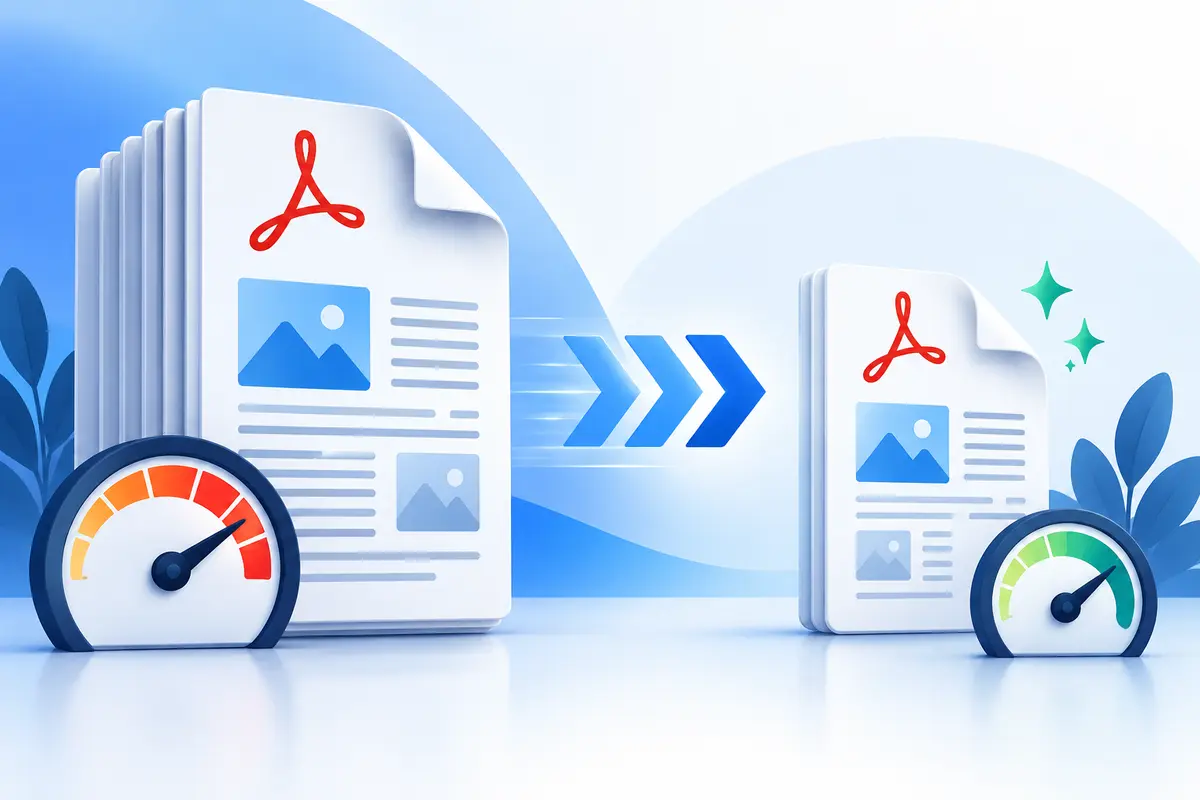
Use percentage mode when you know how much smaller the new file should be. A 50% reduction, for example, means the compressor aims for approximately half of the original file size. Because every PDF contains a different combination of photographs, scans, graphics and text, the final number may vary. ToolsFA displays the actual reduction after processing.
Compress a PDF to a target size
Choose size-range mode when a website, application form or email system has a file-size limit. Enter an acceptable minimum and maximum in KB or MB. The compressor tries several image quality and resolution combinations, then keeps the version that lands inside the range or comes closest to it.
Why some PDFs compress more than others
Scanned documents and photo-heavy PDFs often have the greatest opportunity for reduction. A PDF that is already optimized may change only slightly, while a mostly text-based file can occasionally become larger after its pages are flattened. For a better balance, start with a modest goal such as 30% or 40% and review the result.
Privacy and document quality
Processing takes place in your browser, so the selected document does not need to be sent to ToolsFA. Stronger compression usually creates smaller files but can soften small text and detailed images. Open the downloaded PDF and check every page before sharing or submitting it.