Free PDF format guide
Free PDF vs PDF/A: Which Format Should You Use?
PDF/A is a family of ISO standards intended for long-term preservation. It limits features that depend on external resources and requires information that helps future software reproduce the document. This free ToolsFA guide is designed to help you choose the right workflow before working on the file.
Free practical guidance from ToolsFA
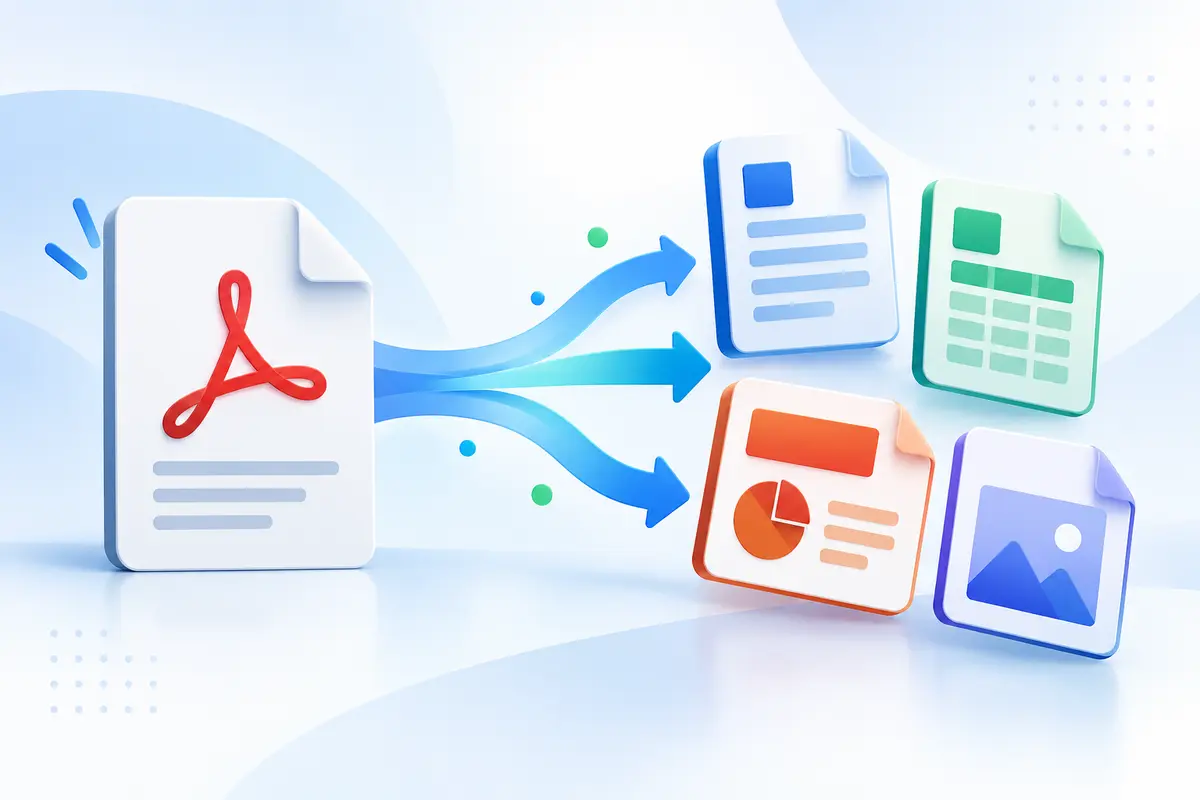
Ordinary PDF and PDF/A compared
| Feature | Ordinary PDF | PDF/A |
|---|---|---|
| Primary purpose | General viewing, sharing and workflows | Long-term preservation |
| Fonts | May rely on unavailable resources | Conformance generally requires embedded font information |
| Encryption | Can be password-protected | Not allowed in PDF/A conformance |
| External dependencies | May be used | Restricted to support future reproduction |
| Validation | Usually opened and visually checked | Test against the exact requested PDF/A part and level |
On smaller screens, swipe horizontally to see every column.
What the ToolsFA tool includes
- All pages or a selected page range from one PDF up to 120 MB
- A 50%–100% image-quality control for the flattened archive-prep output
- Each selected page rendered as a JPEG image in a new PDF, with basic title, subject, creator, producer and date metadata
- Browser-based processing on your device without uploading the selected PDF to ToolsFA
What it does not include
- Certified PDF/A-1, PDF/A-2, PDF/A-3 or PDF/A-4 conversion, a conformance declaration or a validation report
- Preservation of selectable text, hyperlinks, form fields, bookmarks, attachments, annotations, layers, accessibility tags or digital signatures in the flattened copy
- A guarantee that the image quality chosen is sufficient for an archive, regulator or records policy
Step by step
How to use the ToolsFA tool
- 1Ask the receiving archive or records owner whether ordinary PDF is acceptable. If PDF/A is required, record the exact part and level before converting anything.
- 2For a convenient flattened visual copy, open the PDF converter, choose PDF/A Prep, select the pages and choose an image-quality setting. Keep the source and original PDF unchanged.
- 3Download the result and verify page count, orientation, small text, photographs and diagrams. Confirm that losing search, links, forms, tags, attachments or signatures is acceptable for this copy.
- 4When formal PDF/A is required, create or convert the file with a compliant product and validate it against the requested profile. Save the validation report with the record when policy requires it.
Worked example
Worked example: records office requests PDF/A-2b
Assume a records office requests PDF/A-2b for a 30-page report that contains selectable text, bookmarks and working links. ToolsFA PDF/A Prep would make a visually stable, flattened image copy, but that output would lose the searchable text and interactive structure and would not include a PDF/A-2b validation result. It is therefore not the submission workflow for this requirement.
Keep the source document and original PDF, use software that explicitly creates PDF/A-2b, and validate the output with the profile required by the records office. Open the validated file and compare all 30 pages with the original. ToolsFA PDF/A Prep remains useful only when the goal is an informal flattened visual copy and certified conformance is not required.
What PDF/A is designed to solve
An ordinary PDF can depend on fonts, color information or interactive features that may not behave the same years later. PDF/A aims to make the file more self-contained and predictable for preservation.
There are several PDF/A parts and conformance levels. The correct choice depends on the organization receiving the file and whether it needs features such as tags, attachments or exact visual reproduction.
Flattening is not the same as PDF/A
Turning every page into an image may create a stable-looking copy, but it can remove selectable text, accessibility information, links and document structure. It also does not automatically add every item required by a PDF/A standard.
Likewise, changing a filename or adding metadata does not prove conformance. The internal file must satisfy the selected standard and pass an appropriate validator.
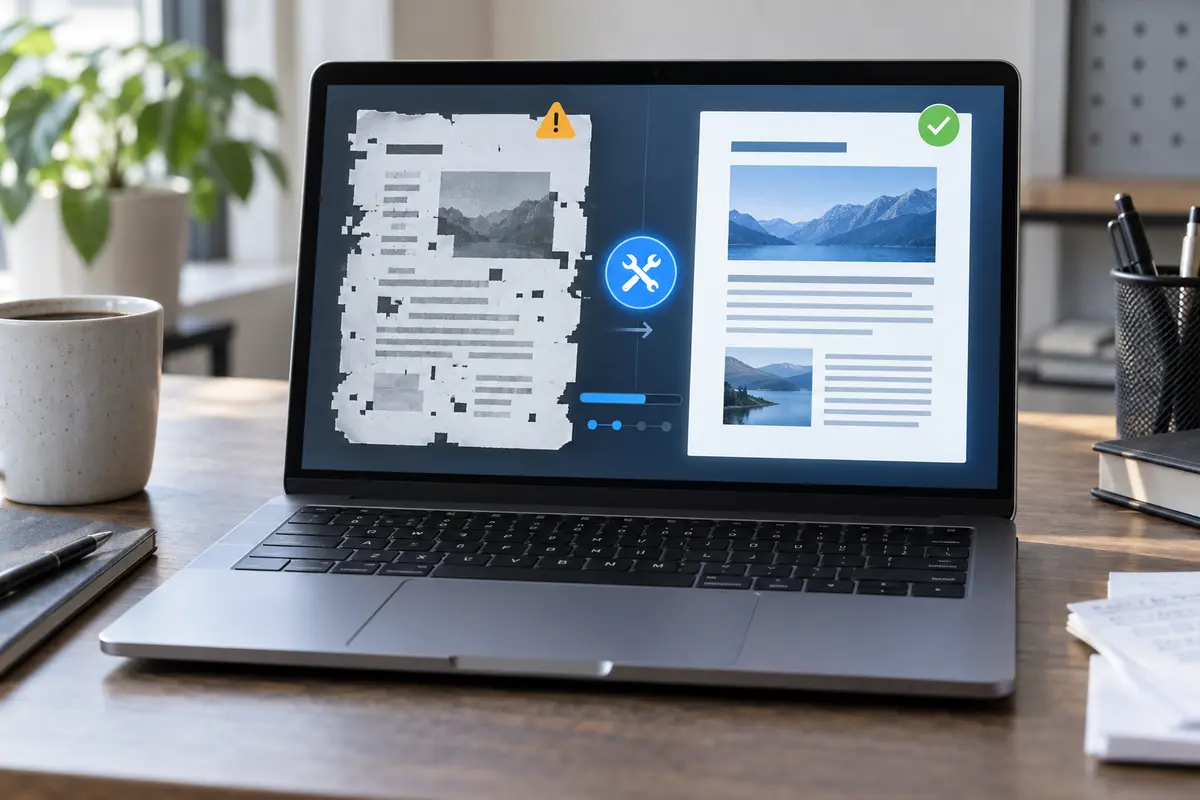
When to use each format
Use ordinary PDF for routine sharing, collaboration, signing, forms and documents that may still change. Use PDF/A when a records-management policy, court, archive, government process or client specification names it.
If no requirement exists, preserve the best-quality source and an ordinary PDF rather than converting repeatedly without a clear purpose.
- Ask which PDF/A part and level is required.
- Keep the source document and original PDF.
- Use a dedicated validator for formal compliance.
- Store the validation result with important records.
Prepare and verify an archive copy
Review the visual pages, searchable text, fonts, metadata and accessibility needs before conversion. Afterward, open the file in more than one viewer and run the validator required by the receiving organization.
ToolsFA's archival preparation option can make a flattened, metadata-filled copy for convenience, but it is not a claim of certified PDF/A compliance.
Important: When PDF/A is mandatory, the receiving organization's specification and validator determine acceptance.
Questions and answers
Frequently asked questions
Is ToolsFA PDF/A Prep a valid PDF/A file?
ToolsFA does not claim that. The option rebuilds selected pages as flattened images and adds basic metadata, but it does not create a PDF/A conformance declaration or run the full rule set for PDF/A-1, PDF/A-2, PDF/A-3 or PDF/A-4.
Which PDF/A version should I choose?
Use the exact part and level named by the receiving organization. PDF/A-1, PDF/A-2, PDF/A-3 and PDF/A-4 are different ISO 19005 parts; a visually similar file is not automatically interchangeable with the requested profile.
Does flattening a PDF make it PDF/A?
No. Flattening can remove dependencies and interactive behavior, but PDF/A conformance also depends on internal requirements and validation. A page-image PDF can still fail the requested PDF/A profile.
How do I know whether a PDF/A file is compliant?
Run a dedicated validator against the exact requested profile and review the report. Visual inspection is still necessary, but opening successfully or displaying a PDF/A label is not by itself a conformance test.
Next useful steps
Related PDF guides
Continue with the next task in your document workflow, whether that is organizing pages, filling a form, reducing file size or preparing the final copy to share.