Exact page order, every time
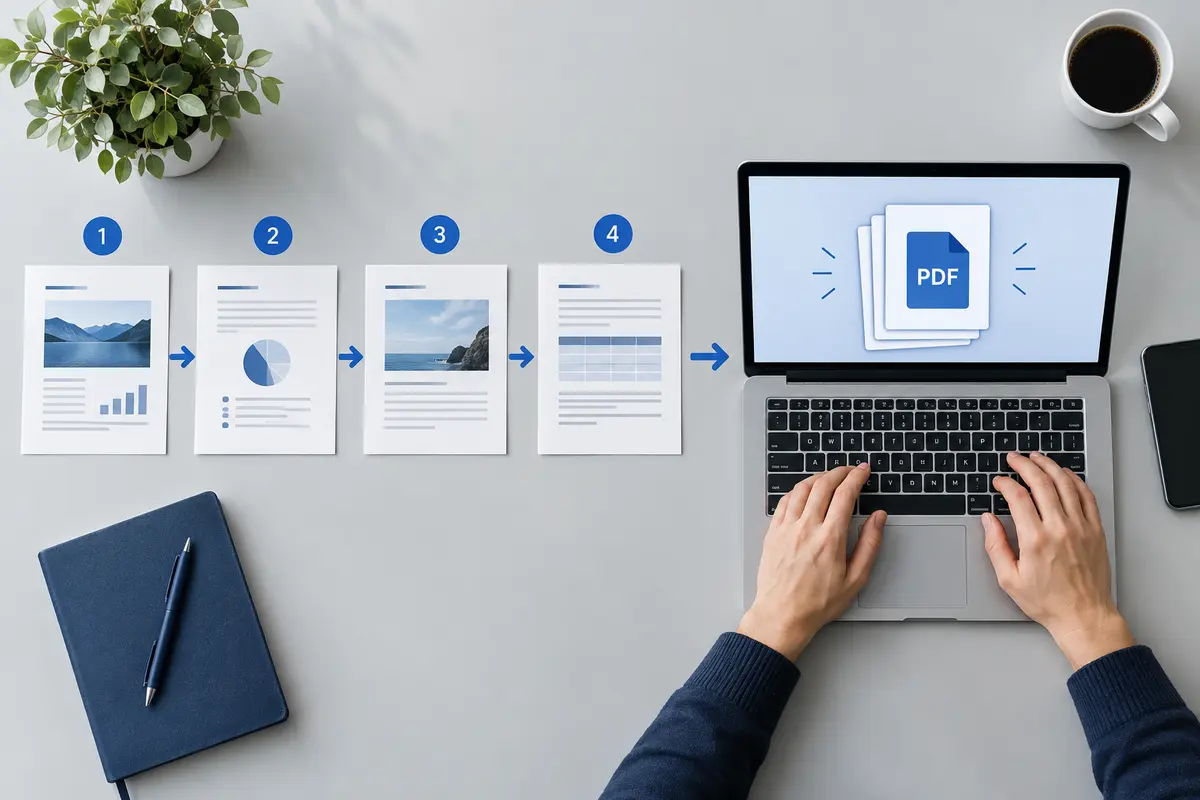
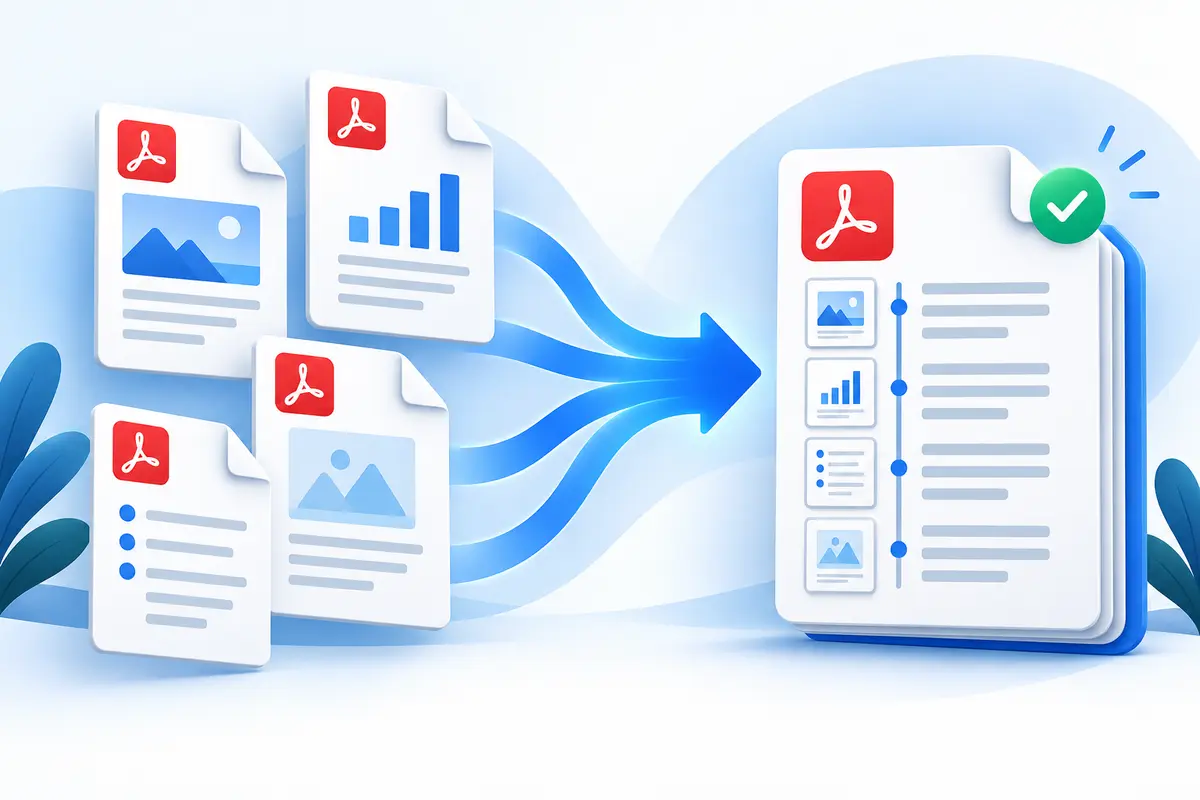
Files combine in the order they appear in your list, top to bottom. Move a file up or down, or drag it into position, and the merge follows immediately -- there's no separate "confirm order" step to forget.
Drag pages into any order
Open a file's page list to drag individual pages into a new order, nudge them with the up/down arrows, or remove pages you don't need. Removed pages sit to one side and can be added back with a single tap.
No quality loss
Unlike a compressor, merging never re-renders your pages as images. Each page is copied from its source file as-is, so selectable text, embedded fonts and image resolution come through unchanged in the combined PDF.
Broad compatibility
This tool reads standard PDF files from virtually any source -- scans, phone camera apps, Word and Google Docs exports, e-signature tools and other PDF editors. If a file can't be read or is password-protected, it's flagged in the list rather than silently breaking the merge.