PDF signing guide
Add a signature to a PDF in minutes
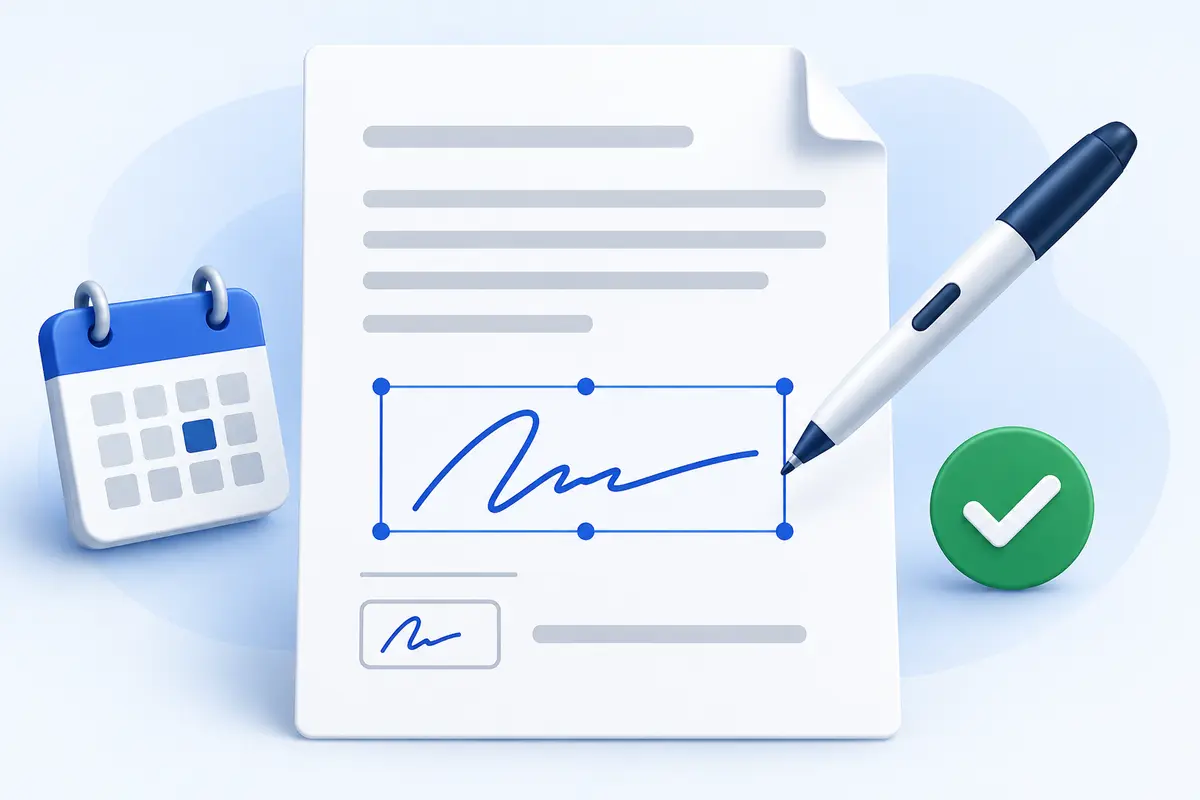
Choose your PDF, create a signature using the method that works best for you, and place it directly on the document. You can add separate initials, dates, checkmarks and text to one or more pages. The downloaded copy contains the visible signing items while your original PDF remains unchanged.
Type a signature
Enter your name and choose from handwriting, clean or formal signature styles.
Draw naturally
Use a mouse, trackpad, stylus or touchscreen and choose your preferred ink color.
Upload an image
Use an existing PNG or JPG signature, including transparent-background images.
Position every item precisely
Select an item to reveal its controls. Drag it anywhere on the page, resize it with the blue corner handle, or use the width and height sliders for finer adjustment. Opacity can be reduced when a lighter mark is needed. Undo and redo buttons are available, along with Ctrl+Z and Ctrl+Y keyboard shortcuts.
Electronic signature limitations
The tool adds a visual electronic signature to the PDF. It does not verify a signer’s identity or create a certificate-based cryptographic signature. Whether an electronic signature is accepted depends on the document, organization and applicable rules, so confirm the recipient’s requirements when necessary.

Questions and answers
Frequently asked questions
Is the ToolsFA PDF signer free?
Yes. You can add signatures, initials, dates, checkmarks and text, then download the signed PDF without payment or account registration.
Does ToolsFA upload my PDF or signature?
No. The PDF and signing items are processed in your browser on your device. ToolsFA does not receive or store them.
Can I type, draw or upload my signature?
Yes. Choose a handwriting-style typed signature, draw with a mouse, trackpad or touchscreen, or upload an existing signature image.
Can I move and resize a signature?
Yes. Drag any item to move it. Use its blue corner handle or the size controls to resize it, and adjust its opacity before downloading.
Can I sign more than one PDF page?
Yes. Move between pages and add different signatures, initials or fields to each page. All placed items are included in the final PDF.
Is this the same as a certificate-based digital signature?
No. This tool places a visual electronic signature into the PDF. It does not issue a cryptographic certificate, verify identity or create a certificate-based digital signature.
Free PDF learning center
Free practical PDF guides
Use free, practical guidance to choose the right workflow, understand important limitations, and check the finished file before you share it.
Sign a PDF electronically
Use the ToolsFA PDF signer to type, draw or upload a visible signature, add initials and dates, and distinguish an e-signature from a digital certificate.
Read guide →PDF to Word guidePDF to Word without losing formatting
Convert a selectable-text PDF to editable Word, understand which formatting can change, and use a page-by-page check to repair tables, columns, fonts and spacing.
Read guide →Scanned PDF guideOCR a scanned PDF
Make an English scanned PDF searchable, understand what the ToolsFA OCR output includes, and verify names, numbers, page ranges and reading order before relying on it.
Read guide →PDF compression guideCompress PDF without losing quality
Compress a PDF by percentage or target KB/MB range, understand what becomes flattened, and check whether the result is readable before emailing or uploading it.
Read guide →PDF merging guideMerge PDFs in the correct order
Merge up to 30 PDFs in a chosen order, select or rearrange pages within each file, and verify duplicates, encryption, orientation and final page count.
Read guide →PDF editing guideEdit a PDF online safely
Use the ToolsFA PDF editor to add or visually replace text, draw, sign, place images and shapes, and understand why whiteout is not secure redaction.
Read guide →