Phone camera guide
Can You Use a Phone for a DV Lottery Photo?
A phone camera can produce a suitable source photograph, but the device does not make the photo compliant automatically. Technique, lighting, background, framing and final file preparation still matter.
Reviewed against U.S. Department of State photo guidance
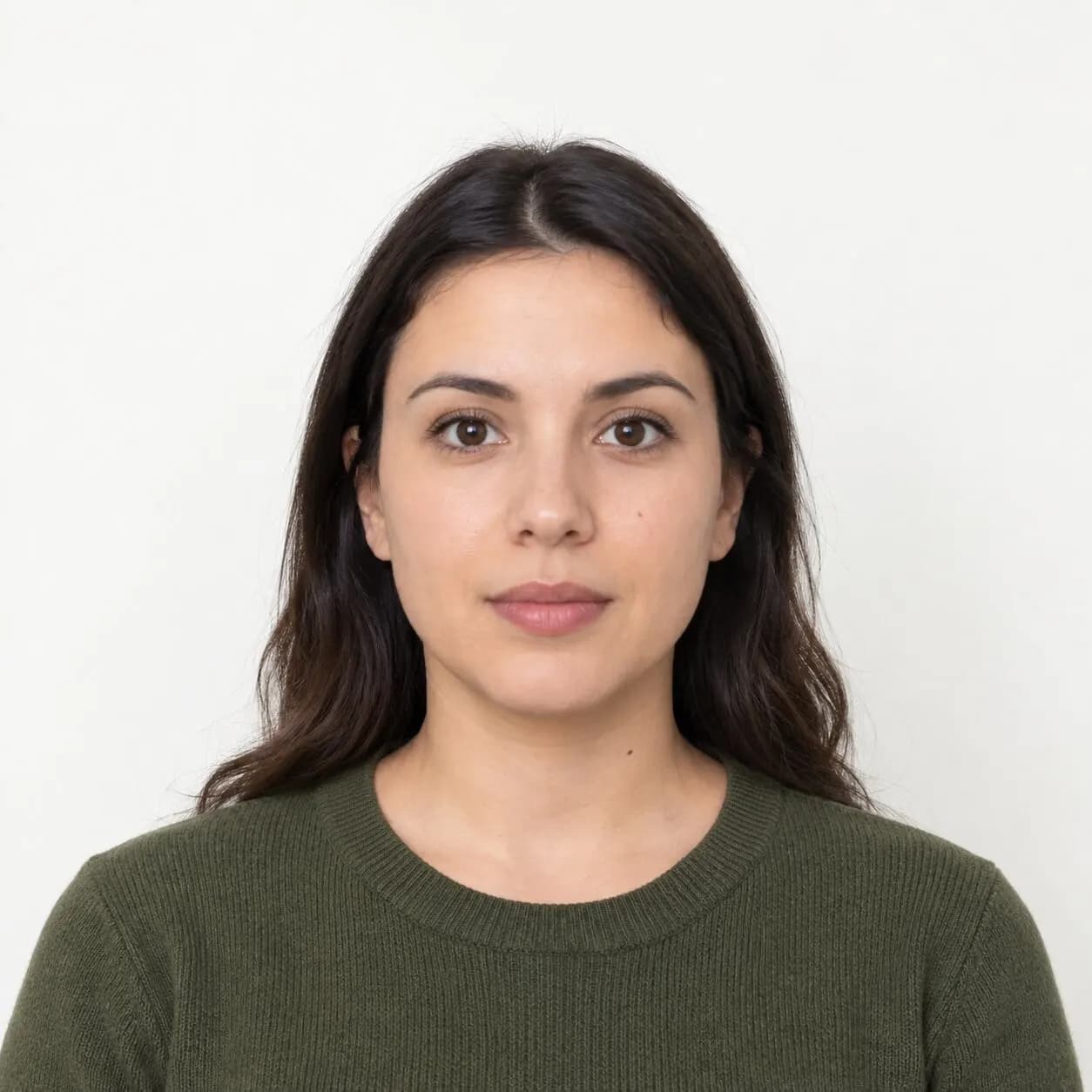
More visual examples
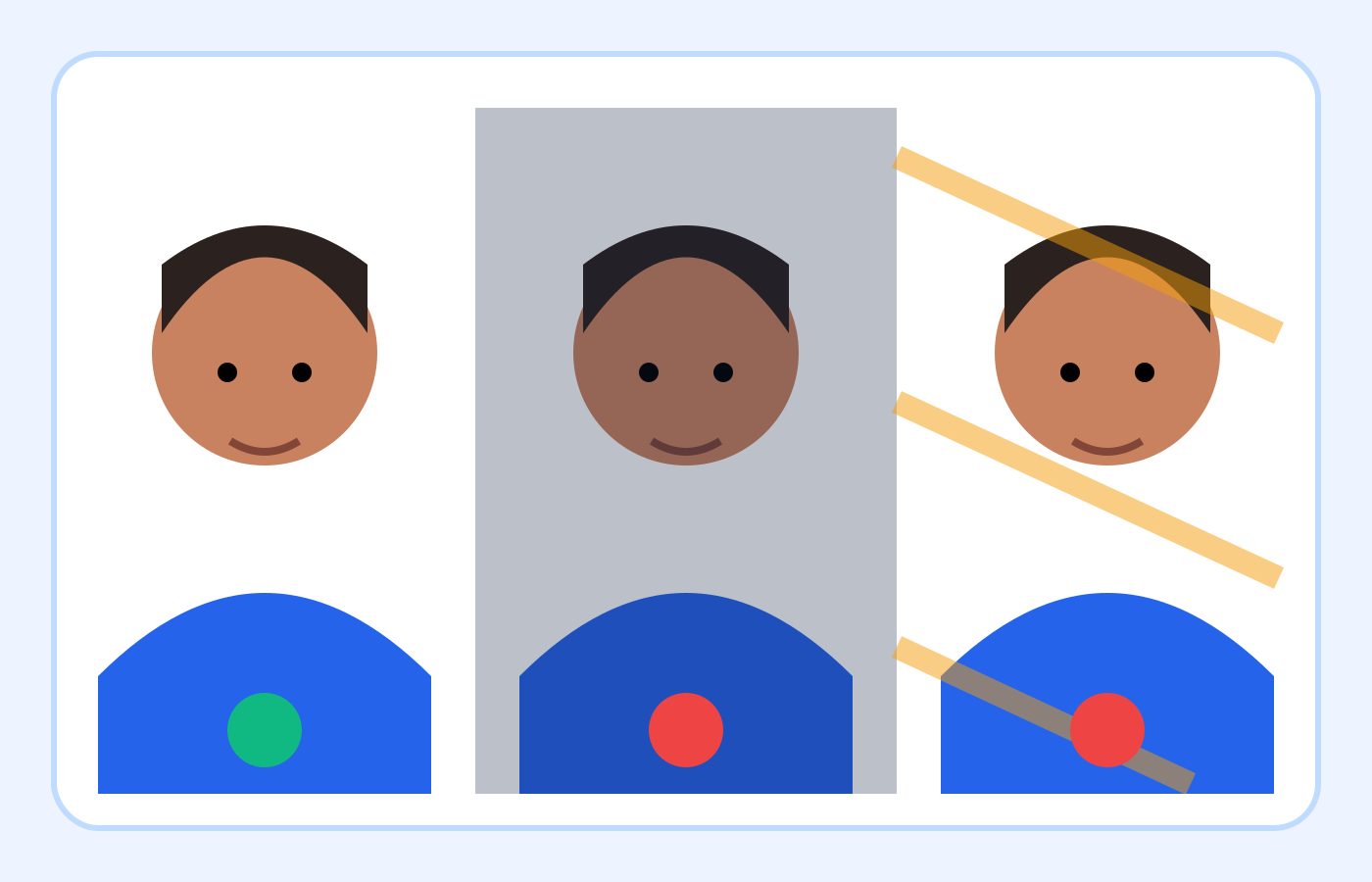
These are educational illustrations, not official government examples or photos to submit.
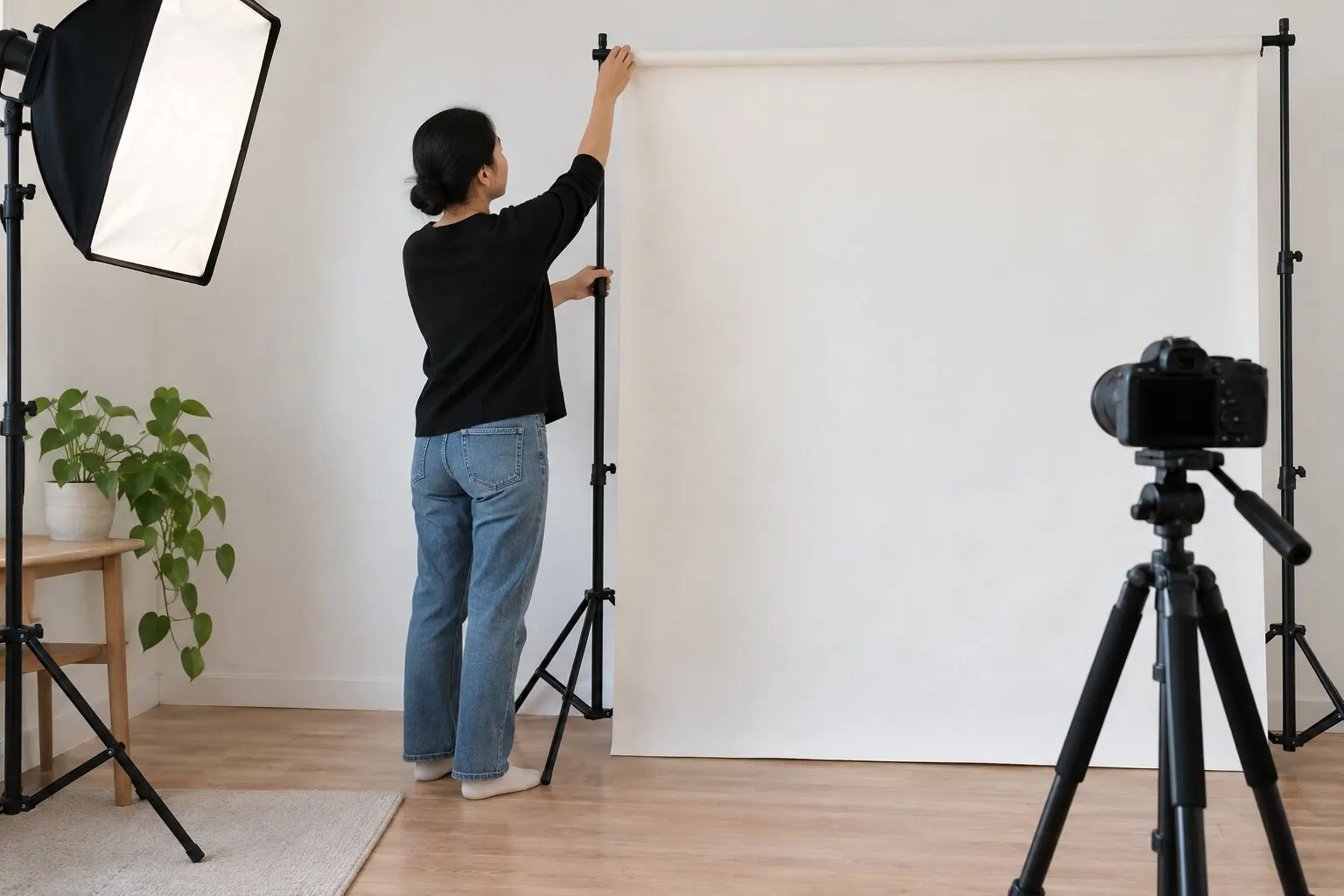
Recommended phone-camera choices
| Phone setting | Recommended | Avoid |
|---|---|---|
| Camera | Rear standard camera | Ultra-wide lens or close front-camera selfie |
| Portrait mode | Off | Artificial background blur and edge halos |
| Beauty filters | Off | Skin smoothing or face reshaping |
| Flash | Use only if it creates no harsh shadows | Bright glare and a dark wall outline |
| Sharing | Keep the original full-resolution file | Messaging apps, screenshots or repeated compression |
On smaller screens, swipe horizontally to see every column.
Use the rear camera when possible
The rear camera usually provides better detail and less aggressive processing than the front-facing camera. It also lets another person hold the phone several feet away, reducing the perspective distortion common in arm's-length selfies.
Keep the phone upright and level with the applicant's eyes. Do not point it noticeably upward or downward, and avoid ultra-wide camera modes that can distort the face near the center or edges.
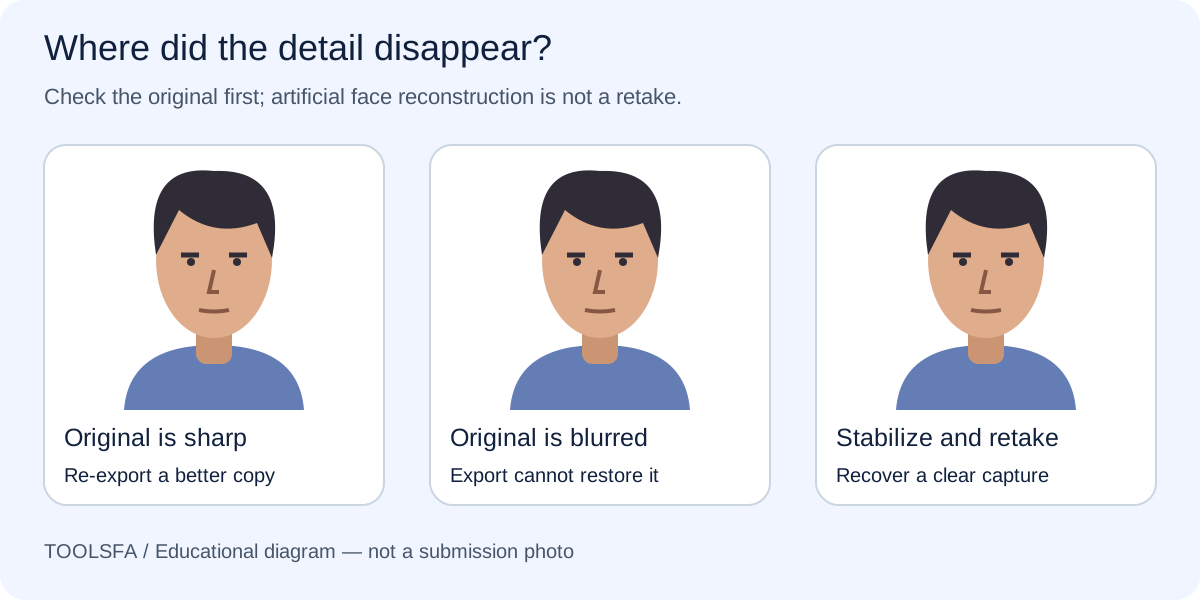
For a soft-looking face, follow the focus and motion troubleshooting guide before cropping.
Disable automatic appearance effects
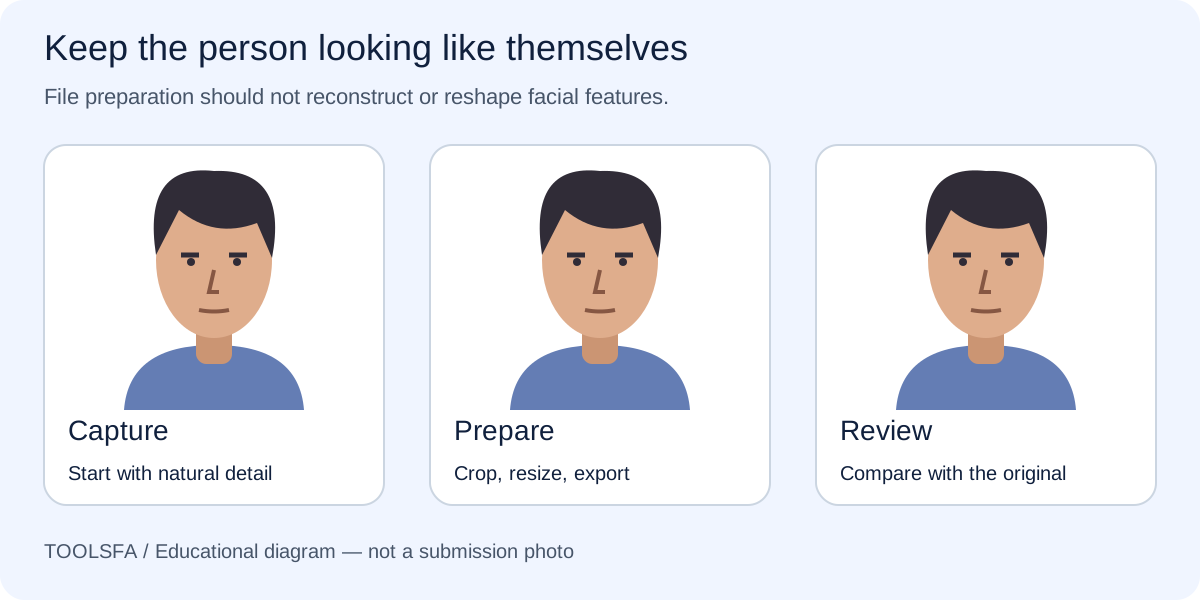
Turn off portrait mode, beauty mode, skin smoothing, face reshaping, background blur, color filters and AI enhancement. Some phones remember these settings from the previous camera session, so inspect the camera controls before taking the photo.
Ordinary exposure and focus are necessary camera functions. The concern is processing that changes appearance or creates an artificial portrait effect.
The photographer checklist also explains what to ask for when you prefer professional capture.
Prevent blur and harsh shadows
Clean the lens, use bright indirect light and hold the phone steady. Tap the face to focus if needed, then check the eyes, hairline and facial edges at full size.
Avoid a single phone flash when it produces a hard wall shadow or shiny highlights. A window in front of the applicant or balanced lamps generally provides softer, more even light.
Convert phone formats correctly
Some phones save photos as HEIC or another efficient format. The DV upload requires JPEG, so export a genuine JPEG rather than renaming the file. After cropping, confirm that the final copy is exactly 600×600 pixels and no larger than 240 KB.
Upload the original to the ToolsFA checker before submission. The browser-based workflow can identify the real file format and create a corrected JPEG when the crop, dimensions or file size can be fixed.
If your phone saves HEIC, use the JPEG conversion workflow and inspect the saved result.
- Do not send the photo through a messaging app that heavily compresses it.
- Keep the original file until you have inspected the final download.
- Do not take a screenshot of the photo as a conversion method.
- Retake visible-content problems instead of editing the applicant or background.
Official sources
Always check the instructions for the program year in which you apply. ToolsFA is independent and is not affiliated with the U.S. government.