Photographer checklist
DV Photo Photographer Checklist: What to Request and Verify
A studio can take a technically strong portrait but deliver the wrong file for your intended use. Explain that you need a Diversity Visa online-entry photo, and check the deliverable before finishing the appointment.
Reviewed against U.S. Department of State photo guidance
Practical review checklist
| Check | Action | Why it matters |
|---|---|---|
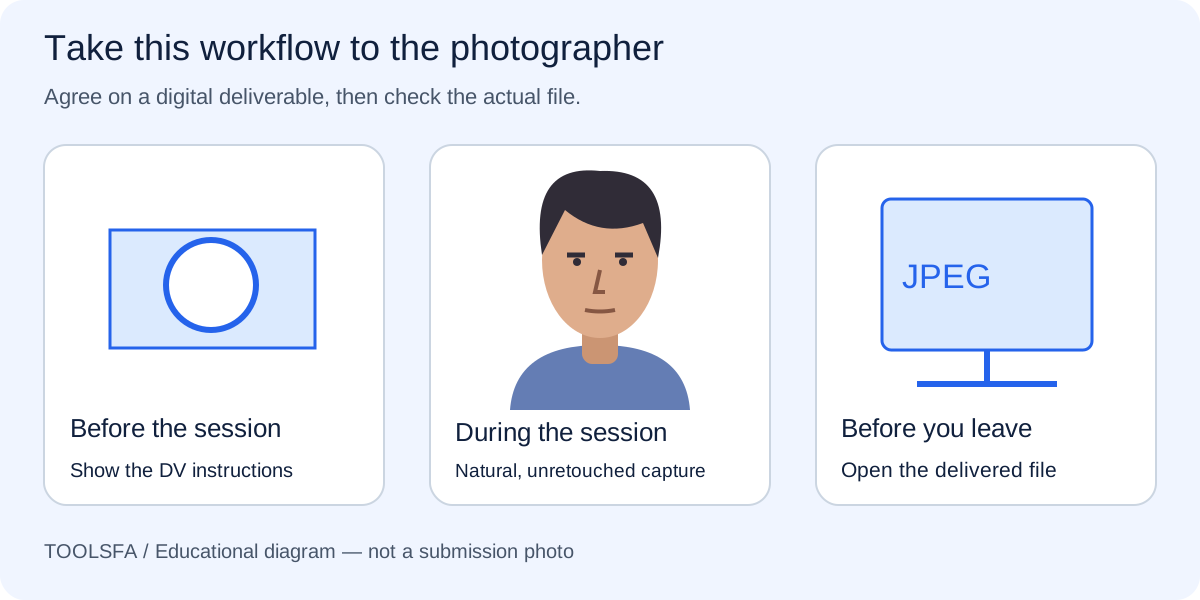
| Before capture | Show official DV instructions | Clarify digital delivery |
| At the session | Natural portrait | Avoid face retouching |
| At handover | Open the JPEG | Check the actual delivered file |
| If incorrect | Re-export or retake as needed | Keep the original separately |
On smaller screens, swipe horizontally to see every column.
Video tutorial · 7:15
Video: see these checks in the real tool
The final chapter shows how to verify a finished file's format, dimensions and size, which is worth doing with any studio photo.
Chapters
The demo photos and the narration in this video are synthetic. Results are automated guidance; final acceptance is determined by the U.S. Department of State. Watch on YouTube ↗
Explain the intended use before the session
Tell the photographer that this is for an online DV entry. Show the official DV photo requirements on your phone, including the digital-file section. A generic passport-photo package may supply prints, a contact sheet or a different country’s crop.
Ask whether the service includes a separate digital image for each person. Agree on how you will receive the original and the finished JPEG. This makes it easier to correct an export issue without arranging another appointment.
Bring the complete photo requirements checklist alongside the official instructions.
Request natural capture and no face retouching
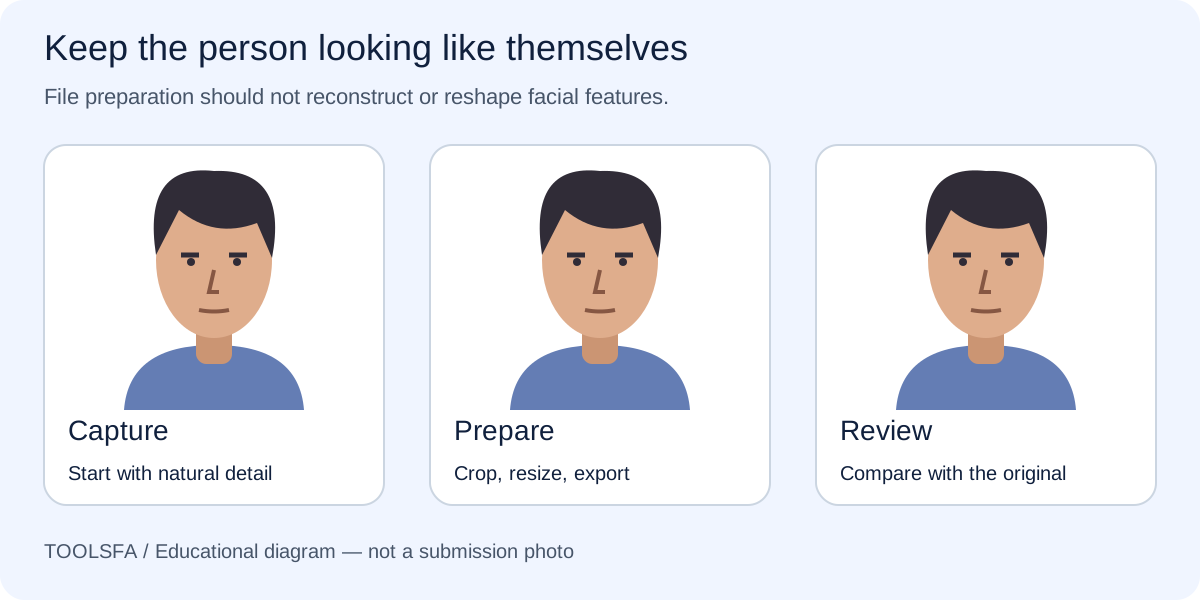
Explain that you want natural facial detail, even light and a real plain backdrop. Ask the studio to avoid skin smoothing, face reshaping, background replacement and automated beauty effects. A polished commercial headshot is not the objective.
Use the appearance guide before sitting down so that glasses, headphones and any covering questions are addressed before capture. Ask to see a preview large enough to inspect the face and background, rather than approving only a tiny camera thumbnail.
Before capture, review the clothing and accessories guide so questions are addressed early.
Check the digital handover
Open the delivered JPEG on your own device. Confirm that it is a single portrait, not a sheet containing several copies. Compare it with the approved camera preview and inspect for unexpected changes in color, crop or facial detail.
Use the file-size and composition guides to check the exported result. If delivery is by a messaging application, ask for the original file attachment instead of a compressed photo preview. Keep the studio original separately from the final submission copy.
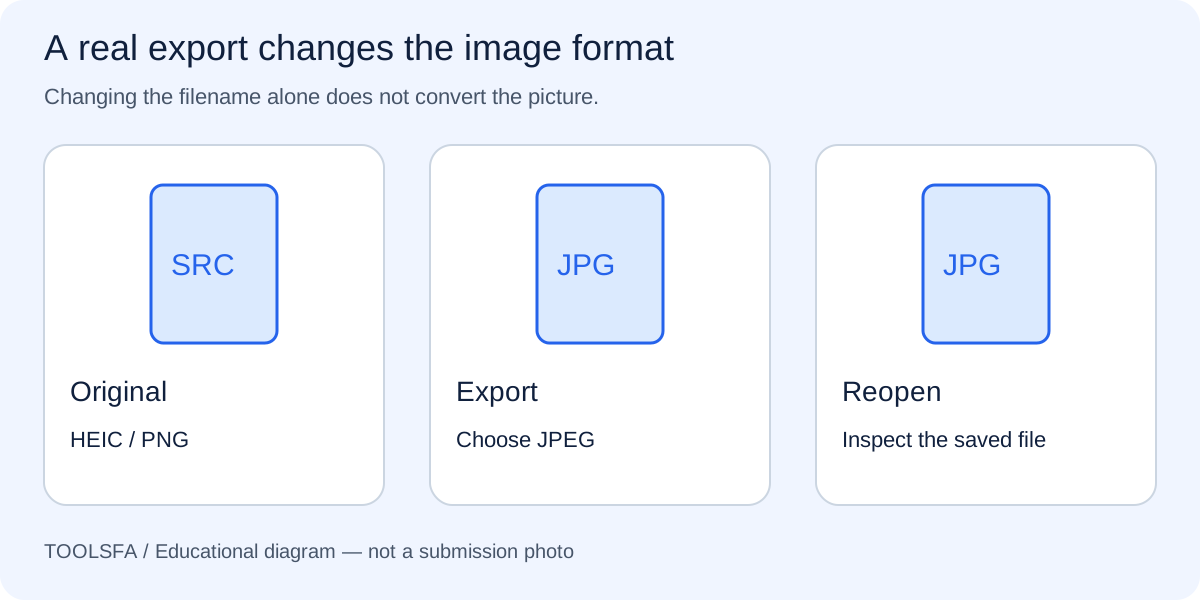
If delivery arrives in another format, use the JPEG conversion guide and reopen the final file.
Ask for corrections while the source is available
When the image is clear but the export is wrong, request a new export from the original rather than editing an already compressed delivery. If lighting, focus or pose is wrong, ask for a retake while the setup is still available.
No studio or online checker can promise government acceptance. Review the official instructions yourself and inspect the same file you select in the entry form. Keep a simple name for each applicant’s finished image to avoid choosing another family member’s picture.
Official sources
Always check the instructions for the program year in which you apply. ToolsFA is independent and is not affiliated with the U.S. government.