Babies and children
DV Lottery Photos for Babies and Children: Practical Guide
Children follow the same digital photo rules as adults, but keeping a baby alone, clearly visible and facing the camera requires a different setup.
Reviewed against U.S. Department of State photo guidance
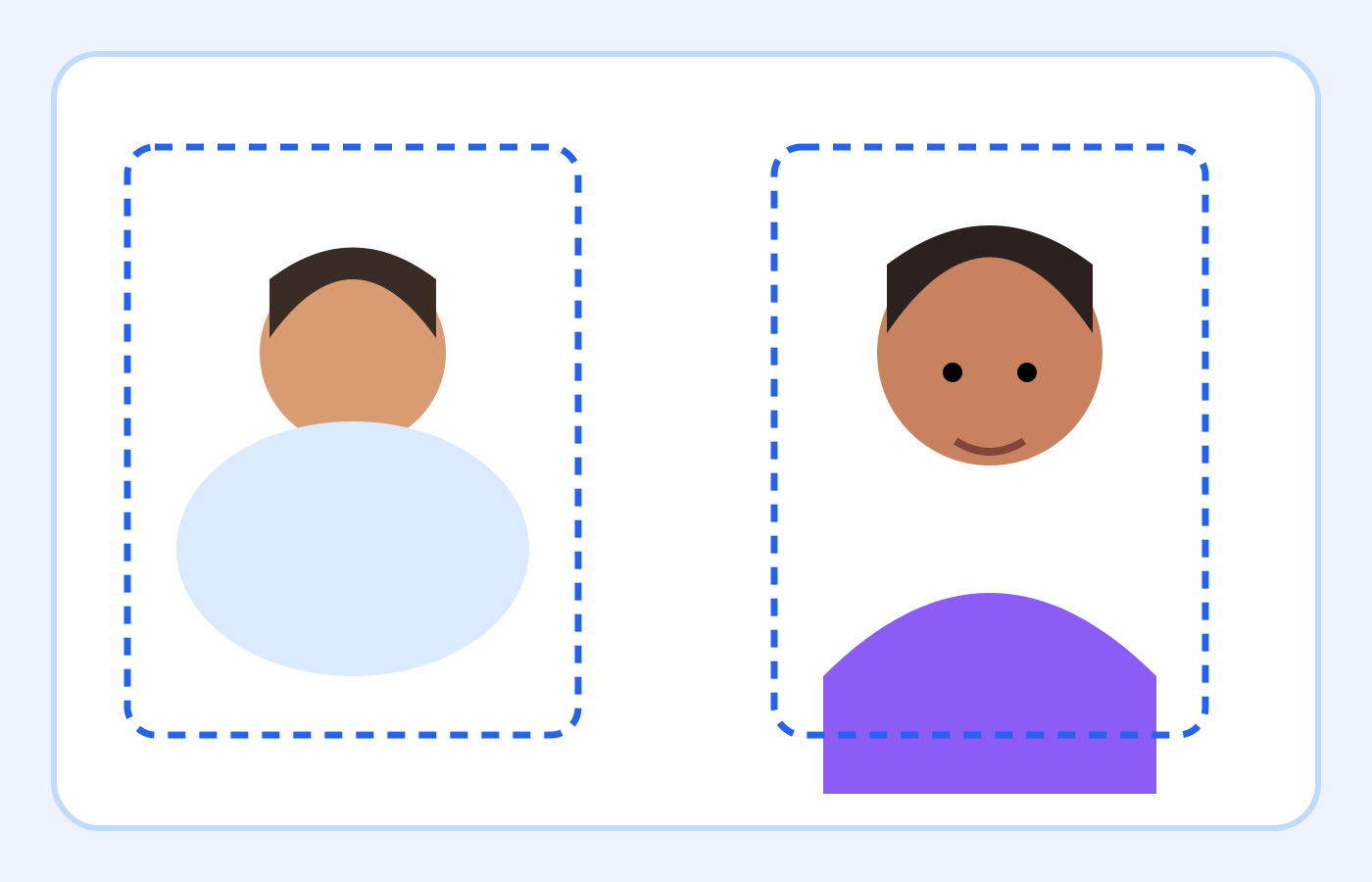
More visual examples
These are educational illustrations, not official government examples or photos to submit.
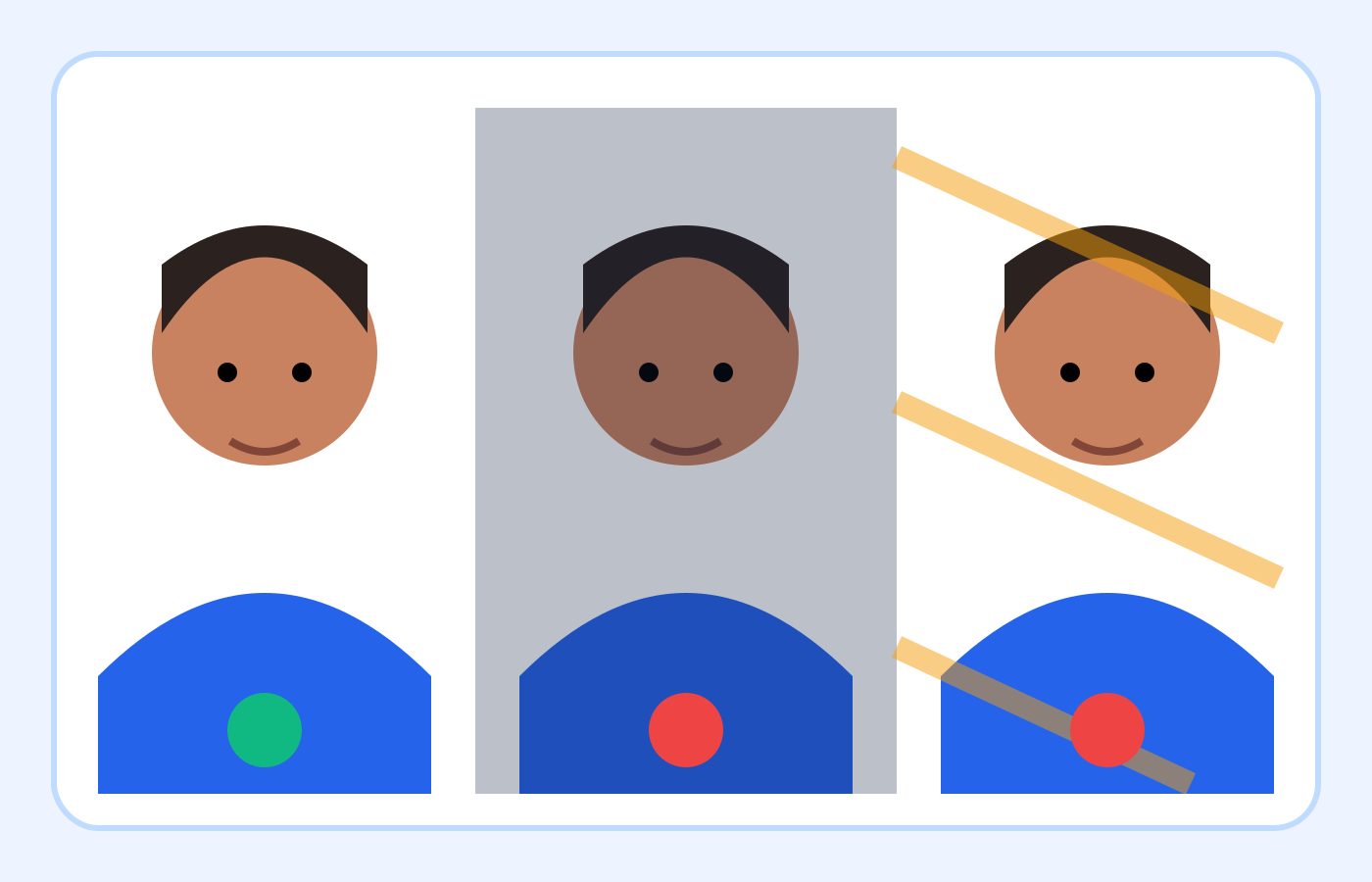
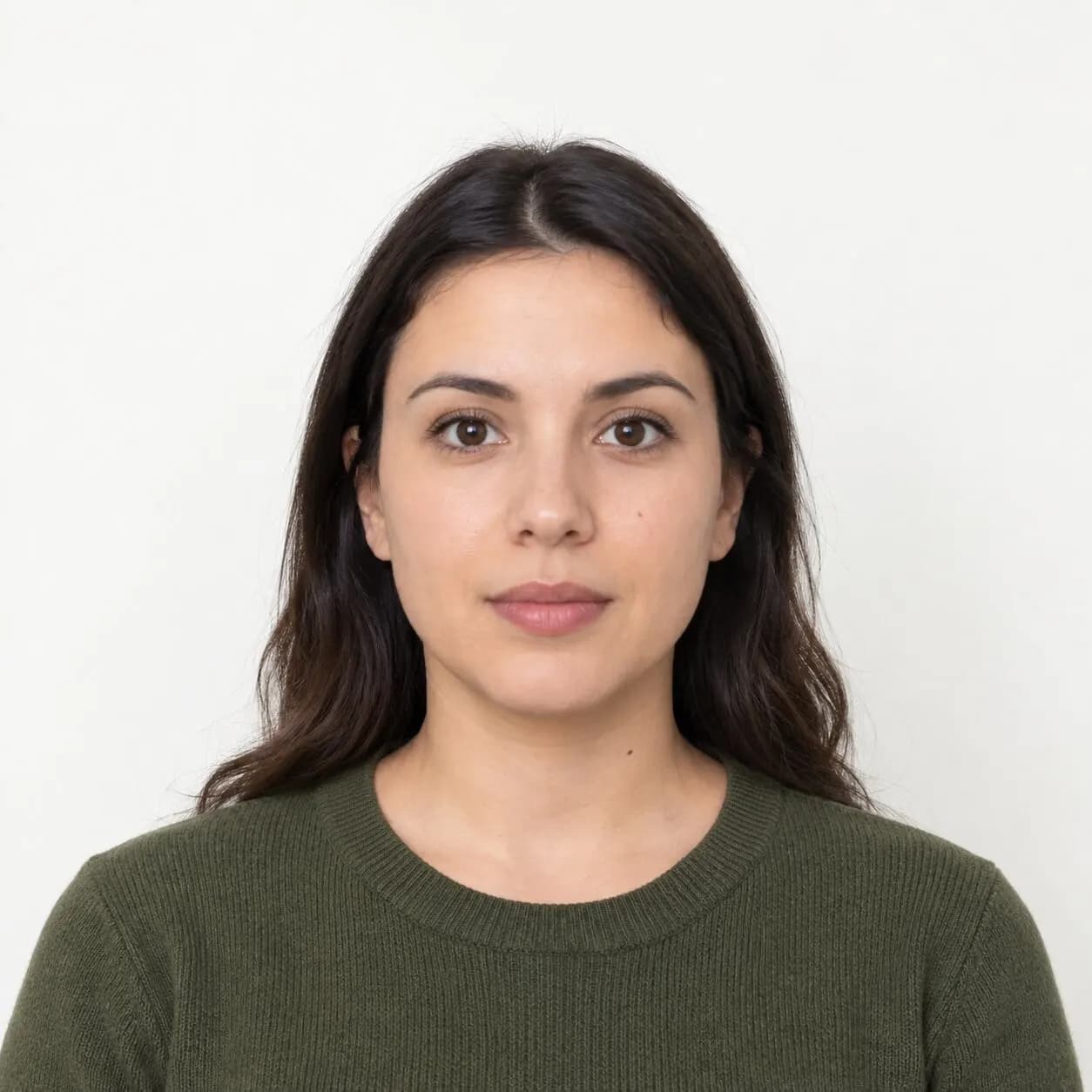
Baby and child photo checklist
| Check | Better | Avoid |
|---|---|---|
| Visible people | Only the child | Parent or hands in frame |
| Baby setup | Plain white sheet | Patterned blanket or toy |
| Face | Full face and open eyes | Turn, obstruction or blur |
| Lighting | Soft and even | Flash shadow |
| File | 600×600 JPEG under 240 KB | Screenshot or compressed copy |
On smaller screens, swipe horizontally to see every column.
What the checker can—and cannot—verify
It can help with
- ✓ Reads the uploaded file format, dimensions and file size.
- ✓ Provides a square crop and measurable face-position estimates.
- ✓ Can export a corrected 600×600 JPEG when the source is suitable.
You must review yourself
- • Cannot tell whether a parent, hand, toy or support remains in the frame.
- • Cannot verify when the photo was taken or whether the child’s appearance was digitally changed.
- • Cannot guarantee acceptance by the Department of State.
How to use the checker
- 1Choose the sharpest original in which the child is alone, facing the camera and has both eyes open.
- 2Upload the original—not a screenshot or messaging-app copy—to the DV photo checker.
- 3Adjust the square crop without cutting the hair, chin or sides of the face.
- 4Download the 600×600 JPEG, then manually inspect the background, face and every edge of the finished file.
Video tutorial · 7:15
Video: see these checks in the real tool
The tour shows the template, the eleven checks and the self-confirmation list you will use for a child's photo too.
Chapters
The demo photos and the narration in this video are synthetic. Results are automated guidance; final acceptance is determined by the U.S. Department of State. Watch on YouTube ↗
Set up a safe, plain background
Use a plain white or off-white sheet on a safe flat surface, or cover a car seat with a plain sheet as the Department of State suggests. Smooth visible wrinkles where practical and remove toys, straps, labels and patterned fabric from the camera’s view.
Place the camera directly above a baby or directly in front of an older child. Keep the lens parallel to the face so the head is not photographed at a strong angle.
If a home session is difficult, use the photographer checklist to discuss a separate digital image for your child.
Keep every other person outside the frame
The child must be the only person visible. Check every edge for a parent’s hand, arm, face or reflection, and look around the neck and shoulders for support that entered the shot.
Do not use object removal or artificial background replacement to hide an adult. If a support appears, change the setup or select another original.
For a moving child, follow the focus and motion guidance and choose a clear original.
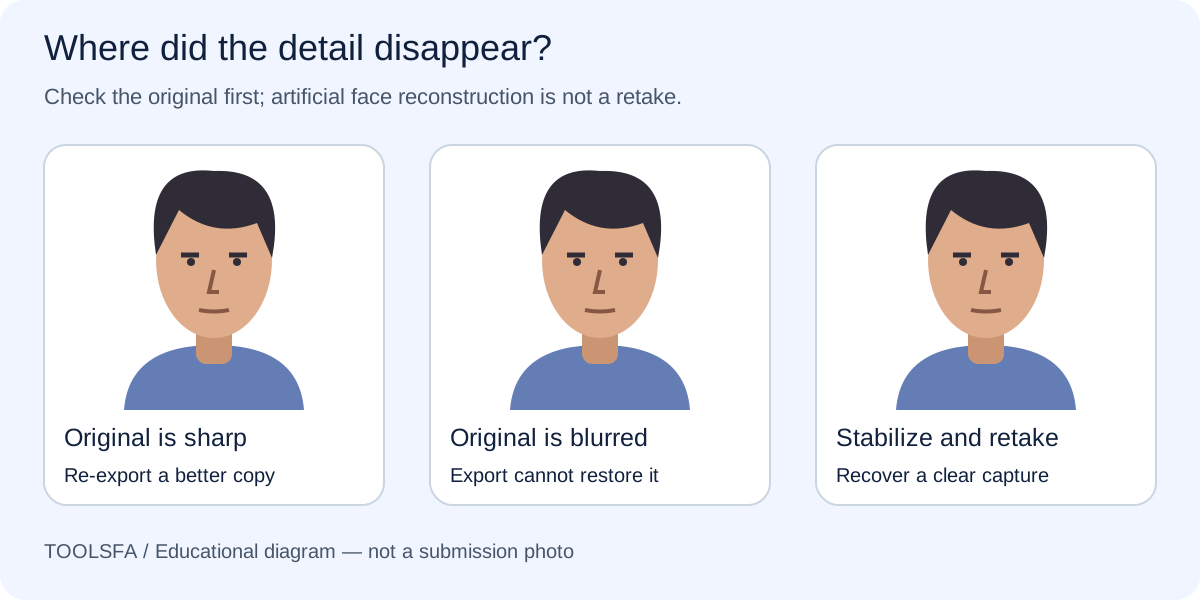
Make the face easy to review
The Department of State says the child should look at the camera with eyes open. Use soft, even light, wait for a calm moment and take several photographs so you can choose a naturally clear frame.
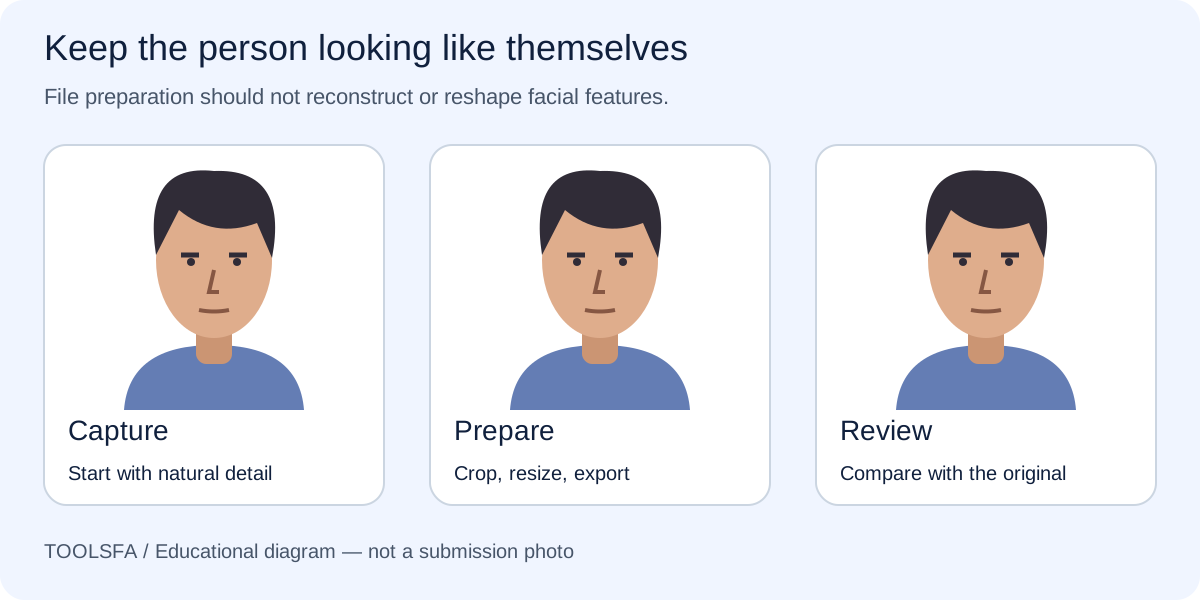
Keep the full face visible and move hair away from the eyes. Do not edit the eyes, mouth, skin or facial features afterward.
When the chosen image uses a phone format, follow the JPEG export steps without changing the child’s features.
- Use a fast shutter or bright indirect light to reduce motion blur.
- Keep toys and patterned blankets outside the frame.
- Avoid a flash that creates a hard shadow on the sheet or wall.
- Inspect the full-resolution original before cropping.
Prepare and check the final file
Crop to a square without cutting off the hair or chin, resize to exactly 600×600 pixels, export a genuine JPEG and keep it at or below 240 KB.
Each family member needs an individual image. Reopen the final download, compare it with the original and review the official examples before submission.
Important: ToolsFA can check measurable file properties and estimate composition, but a parent or guardian must manually confirm that the child is alone, naturally represented and clearly visible.
Worked example: selecting a baby photo
Assume you have six phone photos of a baby lying on a plain off-white sheet. Two show a parent’s fingers, one is blurred, one has closed eyes, and two are sharp with the baby alone and looking toward the camera. Start with either of the two clear originals; do not edit the fingers out of an otherwise unsuitable frame.
Upload the chosen original, crop it to a square, and export a 600×600 JPEG at or below 240 KB. After downloading, reopen the file and confirm that no adult, support, pattern or shadow entered the crop and that the face still looks natural.
Frequently asked questions
Can a parent hold the baby during the photo?
The submitted image should show only the child. If holding is necessary for safety, choose a setup and camera angle that keep the parent and every supporting hand completely outside the photograph; do not plan to erase them afterward.
May a baby’s eyes be closed?
The Department of State’s child-photo guidance says the child should face the camera with eyes open. Take several natural photographs and choose a clear frame rather than editing the eyes.
Can I use a car seat or a sheet?
The Department of State suggests placing a baby on a plain white or off-white sheet or covering a car seat with a plain sheet. The final image still needs no other person, visible pattern, object or distracting shadow.
Official sources
Always check the instructions for the program year in which you apply. ToolsFA is independent and is not affiliated with the U.S. government.