Upload troubleshooting
DV Lottery Photo Upload Rejected? Troubleshooting Guide
An upload can fail before the visible portrait is reviewed. Check the actual file first, then rule out filename, browser and connection problems.
Reviewed against U.S. Department of State photo guidance
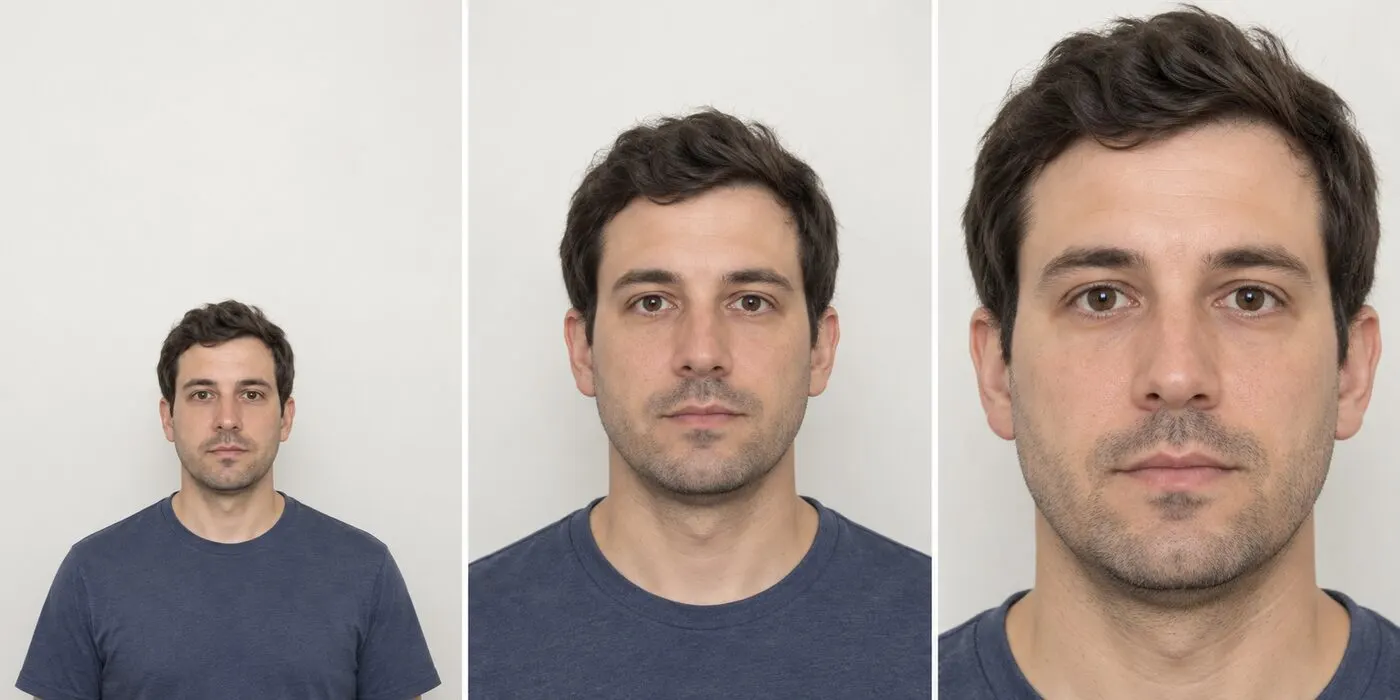
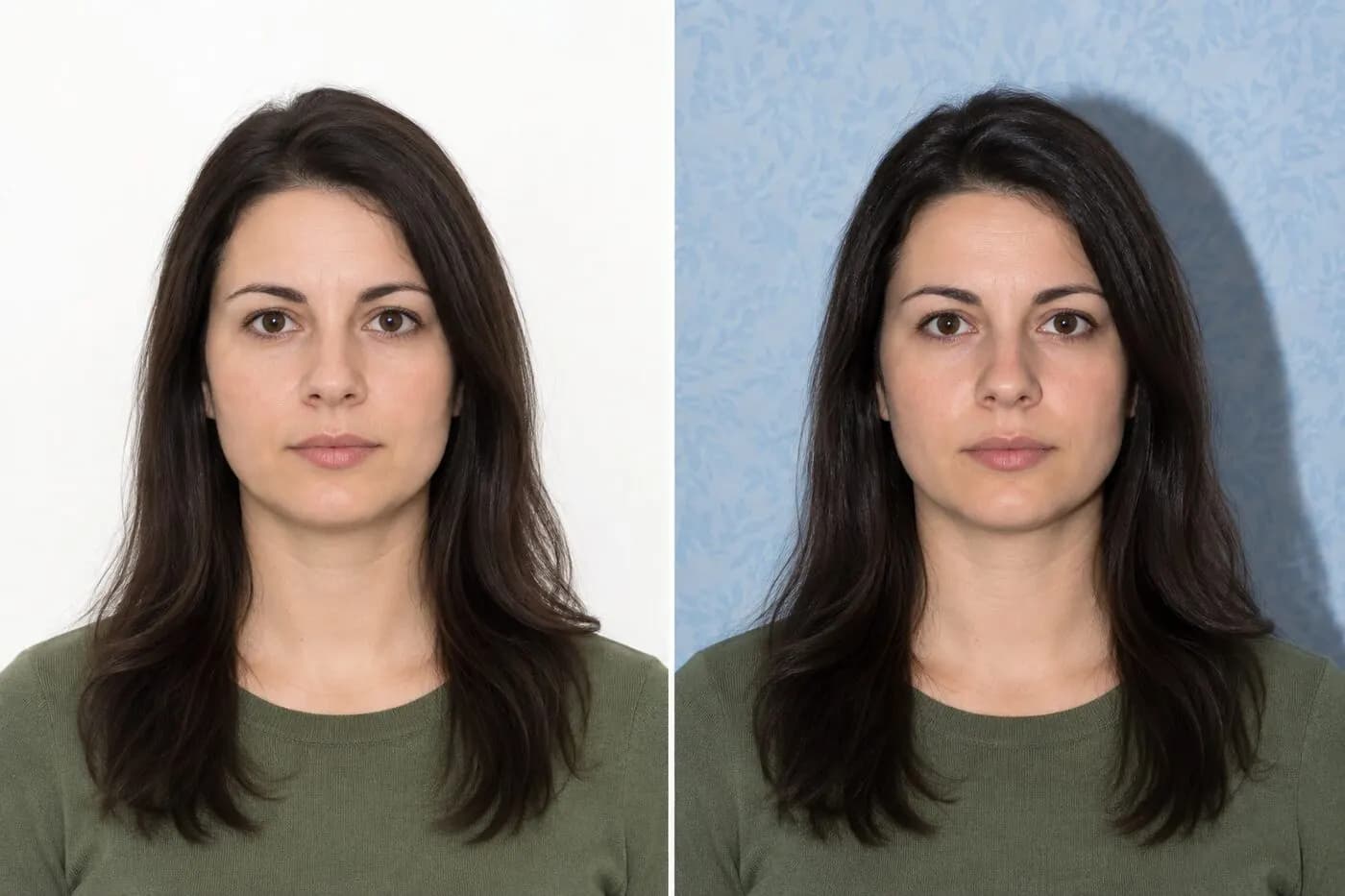
More visual examples
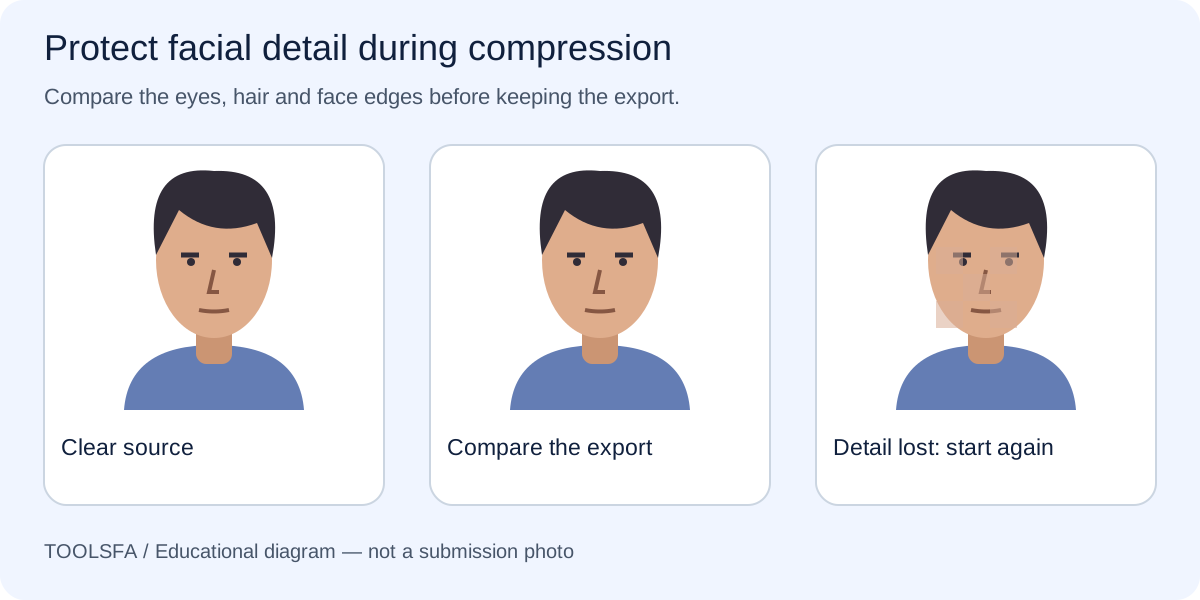
These are educational illustrations, not official government examples or photos to submit.
Upload troubleshooting order
| Symptom | Check | Next step |
|---|---|---|
| Wrong type | Actual encoding | Export JPEG |
| Wrong dimensions | Width and height | Crop then resize |
| Too large | Final size | Compress below 240 KB |
| Will not open | File integrity | Export from original |
| Still rejected | Browser and filename | Reload and retry safely |
On smaller screens, swipe horizontally to see every column.
What the checker can—and cannot—verify
It can help with
- ✓ Identifies the uploaded file’s true format instead of relying only on its extension.
- ✓ Checks width, height, square shape and stored file size.
- ✓ Can create a corrected JPEG for measurable crop, dimension or file-size problems when the source is usable.
You must review yourself
- • Cannot connect to the government entry system or read its private rejection reason.
- • Cannot fix a damaged, incomplete or genuinely blurred source without lost detail.
- • Cannot confirm that a successful upload will be accepted after visual review.
How to use the checker
- 1Select the exact file that failed and upload it to the checker.
- 2Review true format, dimensions and size; note every failed property before exporting.
- 3If correctable, create and download a new JPEG, then reopen that downloaded copy locally.
- 4Retry the official form with the verified copy. Only after the file checks pass should you test a simple filename, current browser and stable connection.
Video tutorial · 7:15
Video: see these checks in the real tool
Test 2 shows the exact dimension, square-shape and file-size failures that block many uploads, and how they are fixed.
Chapters
The demo photos and the narration in this video are synthetic. Results are automated guidance; final acceptance is determined by the U.S. Department of State. Watch on YouTube ↗
Start with the exact rejected file
Locate the same file you selected in the official form. Similar filenames can hide different exports, so check its folder, modified time and preview before troubleshooting.
Confirm that the JPEG opens locally. A zero-byte, partial or damaged download needs to be recreated from the original before any browser test.
To rule out a renamed source file, follow the JPEG conversion guide and open the new export.
Verify format, dimensions and size in that order
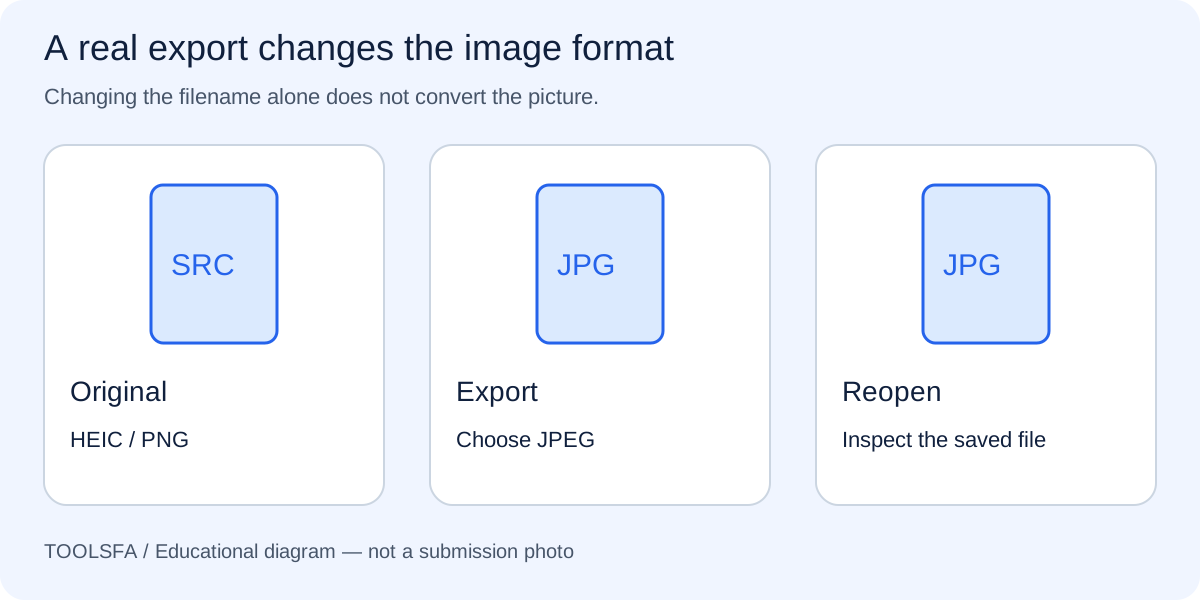
Renaming PNG, HEIC or WebP to .jpg does not convert it. Inspect the real encoding and export a genuine JPEG when needed.
Next confirm the final copy is exactly 600×600 pixels, square and no larger than 240 KB. A file can fail more than one property, so do not stop after correcting only its size.
If the file is too large, work through the compression steps from the original copy.
Retry with a clearly named final copy
Save the corrected file under a distinct, short name using ordinary letters, numbers and a hyphen. Reopen it outside the editor to confirm orientation and appearance, then select that exact copy in the official form.
Keep the untouched source separately. Repeatedly overwriting or compressing one file makes it harder to recover when the latest export is damaged.
For visible softness after an upload succeeds, use the blur and pixelation guide to review the portrait itself.
Test browser and connection causes last
Once the file itself passes measurable checks, reload the official form in a current browser and use a stable connection. If necessary, try a private window or temporarily disable an extension that modifies forms.
Preserve the exact error message before retrying. Do not use an unofficial entry website or assume that changing browsers can repair a wrong file format or dimensions.
Important: ToolsFA cannot access the government entry system or identify its private rejection reason. A successful upload also does not guarantee that the photograph will pass visual review.
Worked example: isolate the reason for rejection
Assume a file is named applicant.jpg, but the checker identifies PNG data, dimensions of 900×900 and a size of 310 KB. The .jpg ending did not convert the file, and changing browsers cannot correct its encoding, dimensions or size.
Return to the best source, export a genuine JPEG, crop and resize it to 600×600, and keep the result at or below 240 KB. Save it under a distinct name such as applicant-dv-final.jpg, reopen that exact download, and retry. If all measurable checks pass but the official form still rejects it, record the displayed message and then test ordinary browser or connection causes without repeatedly degrading the image.
Frequently asked questions
Why is a file named .jpg still rejected?
The extension may have been renamed while the file data remained PNG, HEIC or another format. A real conversion requires opening the source and exporting or downloading a JPEG.
Does a successful upload mean the photo is acceptable?
No. Upload success can confirm that the form received a file, but it does not prove the portrait meets photo-age, background, lighting, expression, composition or natural-appearance requirements.
What if every measurable file check passes?
Reopen the exact final JPEG, use a short filename with ordinary letters and numbers, reload the official form in a current browser and retry on a stable connection. Do not submit through an unofficial website, and do not keep recompressing a file whose measured properties already pass.
Official sources
Always check the instructions for the program year in which you apply. ToolsFA is independent and is not affiliated with the U.S. government.