Appearance and accessories
DV Photo Glasses, Head Coverings and Clothing Rules
Clothing and accessories must be resolved before capture because the ToolsFA checker does not reliably identify glasses, headphones, uniforms or a covering that hides part of the face.
Reviewed against U.S. Department of State photo guidance
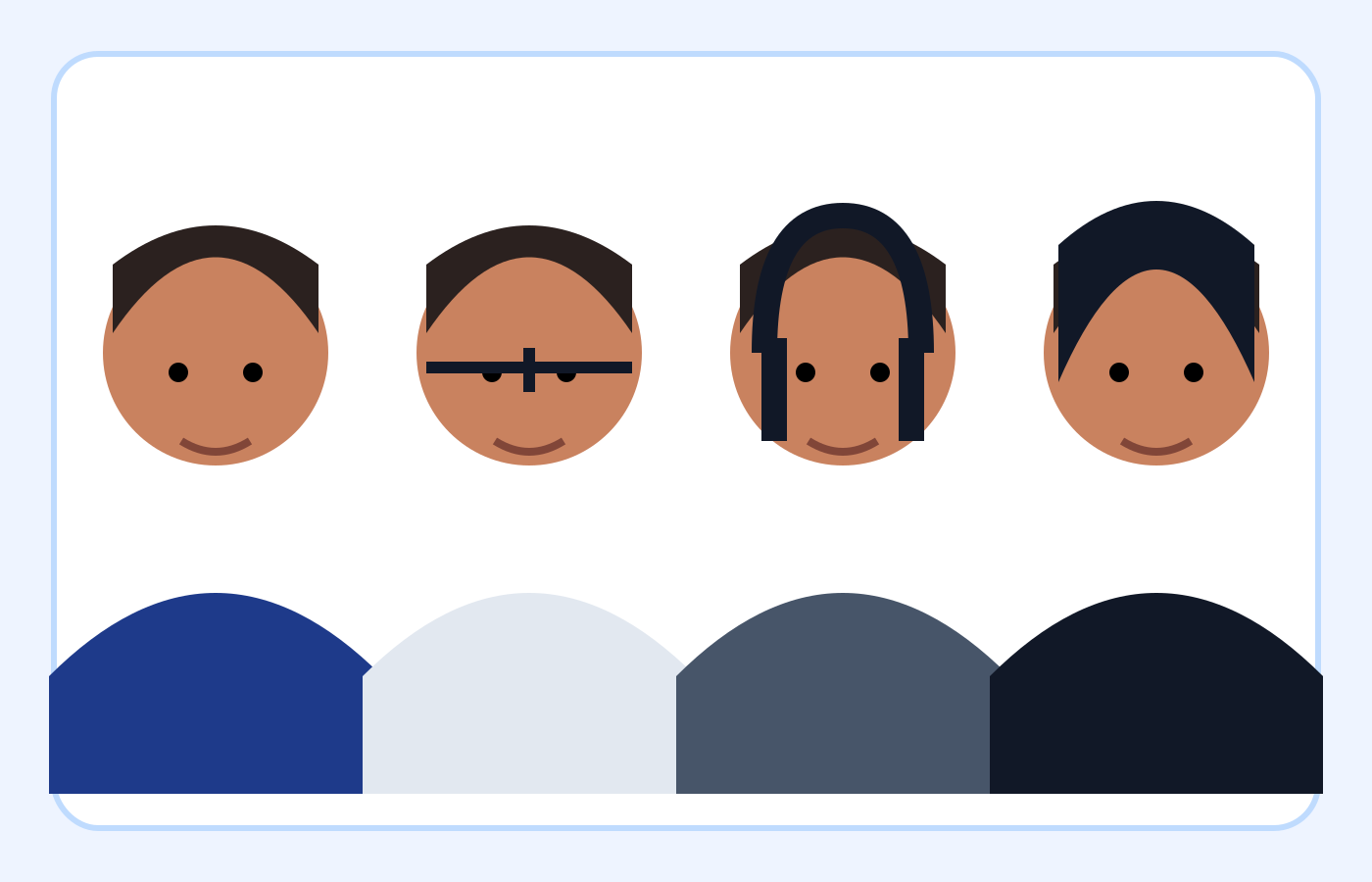
More visual examples
These are educational illustrations, not official government examples or photos to submit.
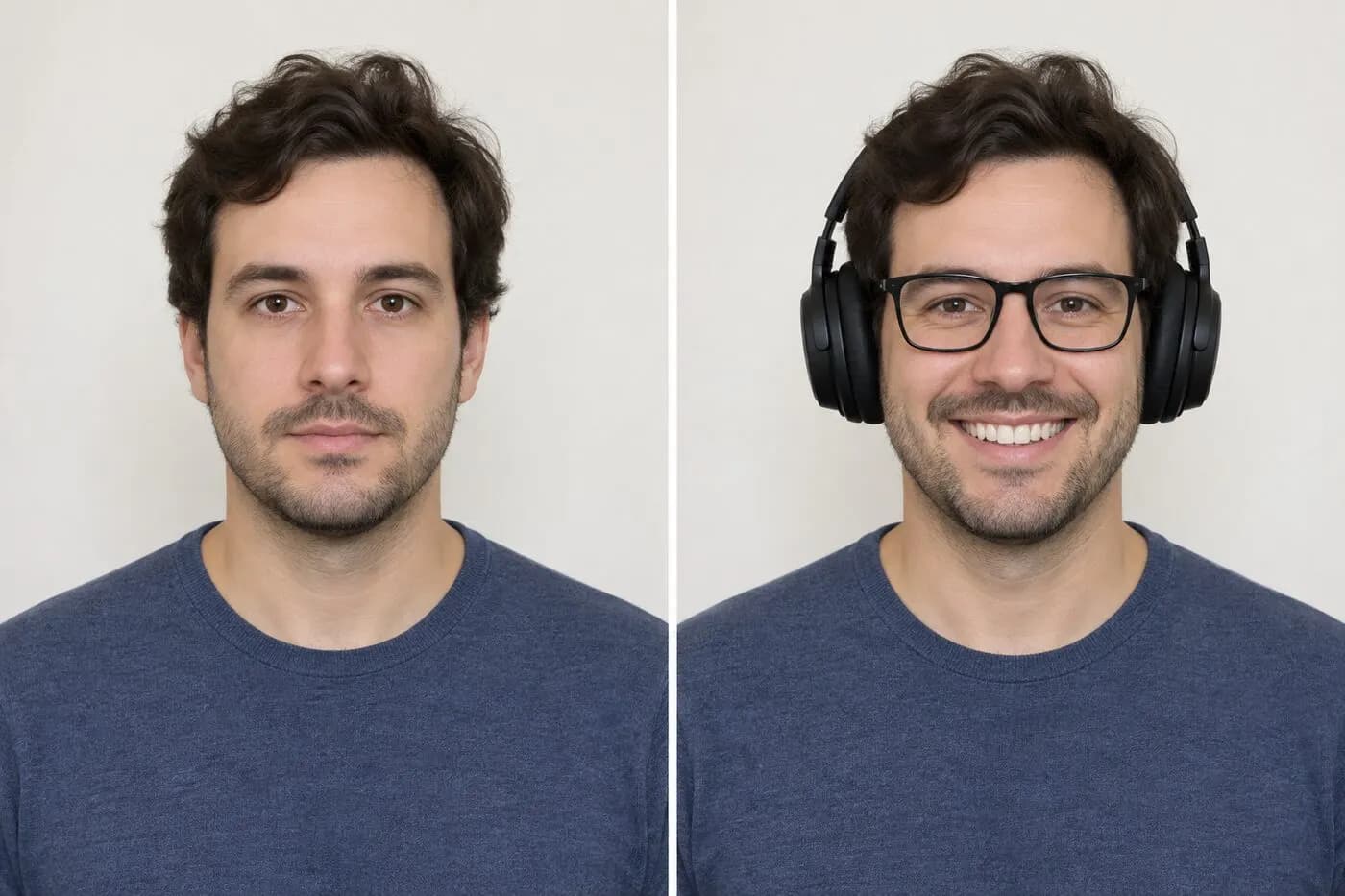
Accessory checklist
| Item | Recommended | Avoid |
|---|---|---|
| Eyeglasses | Remove | Frames or glare |
| Sunglasses | Remove | Tinted lenses |
| Headphones | Remove | Audio devices |
| Religious covering | Full face, no shadow | Covered features |
| Clothing | Ordinary daily clothing | Uniform or camouflage |
On smaller screens, swipe horizontally to see every column.
What the checker can—and cannot—verify
It can help with
- ✓ Checks measurable file properties and estimates face direction, eye openness, expression, head size and eye position.
- ✓ Lets you review the final crop at 600×600 pixels before download.
- ✓ Processes the selected image in your browser without uploading it to ToolsFA.
You must review yourself
- • Cannot reliably detect eyeglasses, headphones, hearing devices, uniforms, camouflage or religious clothing.
- • Cannot decide whether a head covering is worn daily for a religious purpose or whether an exception applies.
- • Cannot reveal a face hidden by fabric or hair, remove an accessory safely, or guarantee government acceptance.
How to use the checker
- 1Before taking the photo, remove eyeglasses, sunglasses, headphones and wireless hands-free devices; leave a normally worn hearing device only if desired.
- 2Wear ordinary daily clothing. Avoid uniforms, clothing that resembles a uniform and camouflage, except religious clothing worn daily.
- 3If wearing a daily religious head covering, arrange it so the full face is visible and no fabric or shadow obscures facial features.
- 4Take several natural, evenly lit originals and inspect the eyes, cheeks, jawline and both sides of the face at full size before uploading one.
- 5Use the checker for measurable file and composition checks, then manually confirm every clothing and accessory rule again on the final JPEG.
Video tutorial · 7:15
Video: see these checks in the real tool
Test 1 ends with the items you must confirm yourself, including no glasses or headphones.
Chapters
The demo photos and the narration in this video are synthetic. Results are automated guidance; final acceptance is determined by the U.S. Department of State. Watch on YouTube ↗
Remove eyeglasses and audio devices before capture
The DV entry instructions say not to wear eyeglasses. Remove prescription glasses, sunglasses and glasses resting on the head rather than trying to edit frames or glare out afterward.
Remove headphones, wireless hands-free devices and similar audio items. A hearing device or similar article that you normally wear may remain in the photo.
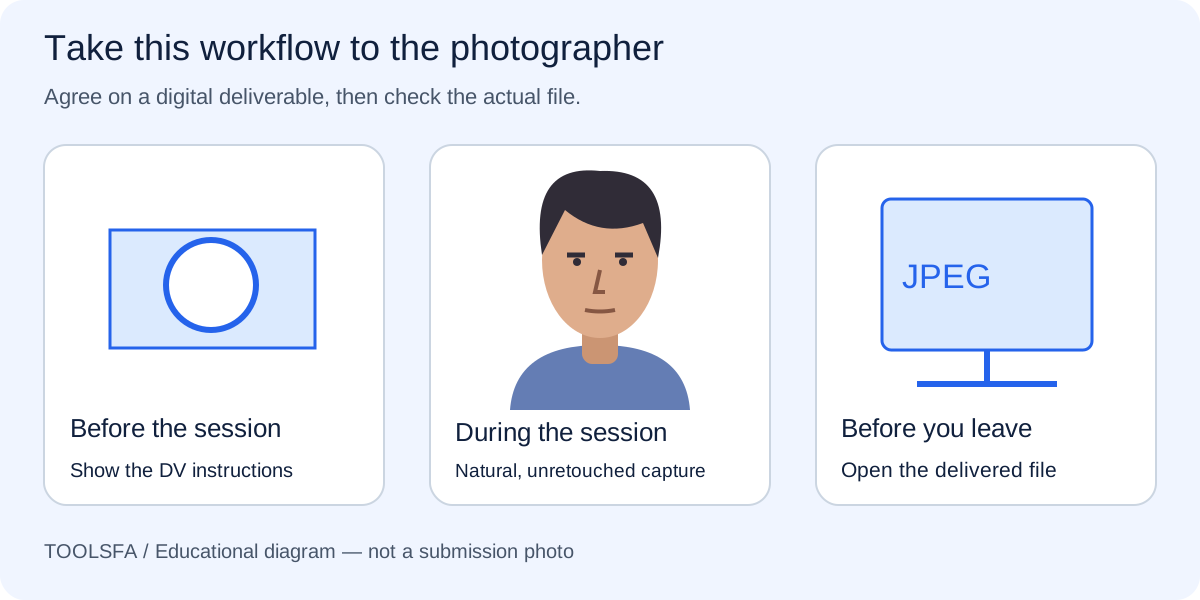
Before a studio visit, use the photographer checklist to resolve accessory questions before capture.
Review a daily religious head covering carefully
A hat or head covering that obscures the hair or hairline is not allowed unless it is worn daily for a religious purpose. When such a covering remains, the full face must be visible and the fabric must not cast shadows on the face.
Inspect the eyes, cheeks, jawline and both sides of the face. Hair, scarves and fabric should not obscure facial features, and a crop should never be used to hide a problem at the edge of the original.
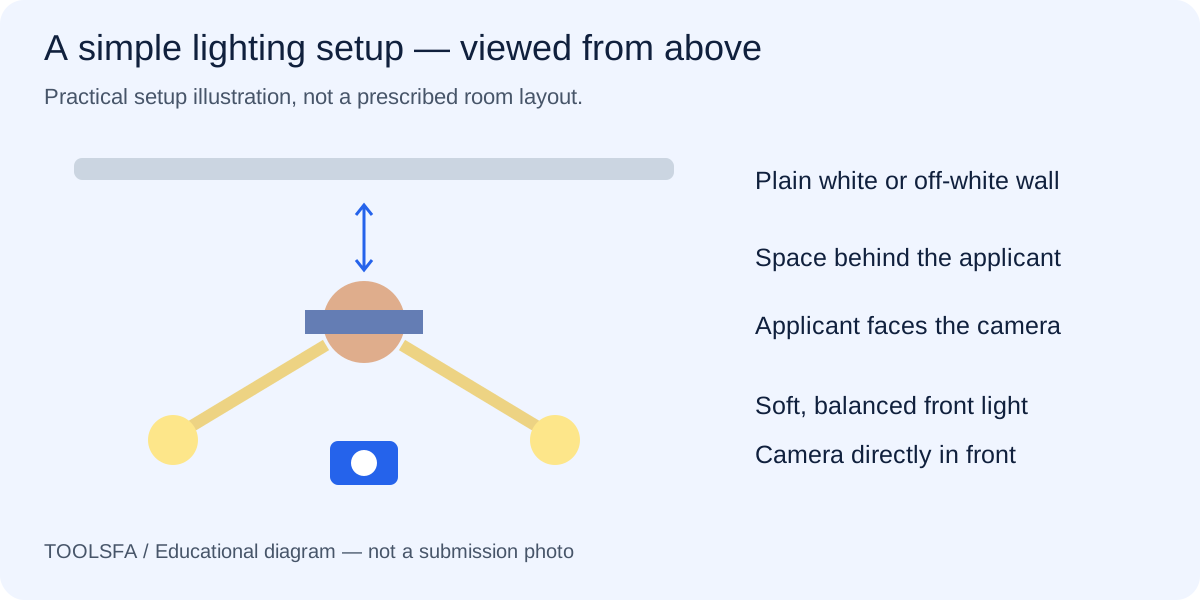
If fabric creates a facial shadow, revisit the lighting guide and adjust the physical setup.
Wear normal daily clothing
Use clothing normally worn each day. The official visa-photo guidance says not to wear uniforms, clothing that looks like a uniform or camouflage, except religious clothing worn daily.
Choose clothing that remains visually distinct from the light background and does not rise over the chin or cover the face. Resolve the outfit before taking the photo; do not recolor or replace clothing digitally.
Compare the overall portrait with the visual examples guide before selecting the final image.
Important: Use the instructions for the DV program year in which you enter. The checker cannot identify or approve clothing, accessories or the purpose of a head covering.
Use the checker for measurements, then review appearance manually
The ToolsFA checker can confirm the real file format, dimensions and size and estimate face direction, eye openness, expression and composition. Those checks do not determine whether glasses, headphones, clothing or a covering are acceptable.
Reopen the downloaded JPEG and compare it with the original. If an accessory or fabric obscures the face, retake the photograph instead of using generative fill, object removal or another edit that changes the applicant’s appearance.
Worked example: review a portrait with a religious head covering
Assume the applicant wears a plain religious head covering every day. In the first photo, the fabric covers part of one cheek and a side light casts a shadow across the jaw. The file is already 600×600 and under 240 KB, but those technical properties do not correct the visible problems.
Adjust the covering without changing the applicant’s normal appearance, place soft light in front, and take a new photo with the entire face visible. Upload the new original for file and composition checks, then manually inspect the facial outline and shadows because the checker cannot determine the purpose of the covering or approve how it is worn.
Frequently asked questions
Can I wear prescription eyeglasses in a DV entry photo?
The DV entry instructions say not to wear eyeglasses. Remove prescription glasses, sunglasses and glasses resting on the head before taking the entry photo.
Can I wear a religious head covering?
A head covering worn daily for a religious purpose may remain when the full face is visible and the covering casts no shadow on the face. Ordinary hats or coverings that obscure the hair or hairline are not acceptable.
Are hearing aids allowed?
The DV instructions say that a hearing device or similar article normally worn may remain. Headphones and wireless hands-free devices are not acceptable.
Can the checker tell whether my clothing and accessories are acceptable?
No. It checks file properties and estimates composition and facial pose, but clothing and accessory compliance requires your manual review against the current official instructions.
Official sources
Always check the instructions for the program year in which you apply. ToolsFA is independent and is not affiliated with the U.S. government.