File size and dimensions
DV Lottery Photo Size: 600×600 Pixels and 240 KB
The numbers in the DV photo rules describe different properties. Dimensions are measured in pixels, aspect ratio describes the shape, and kilobytes describe how much storage the file uses. Fixing one does not automatically fix the others.
Reviewed against U.S. Department of State photo guidance
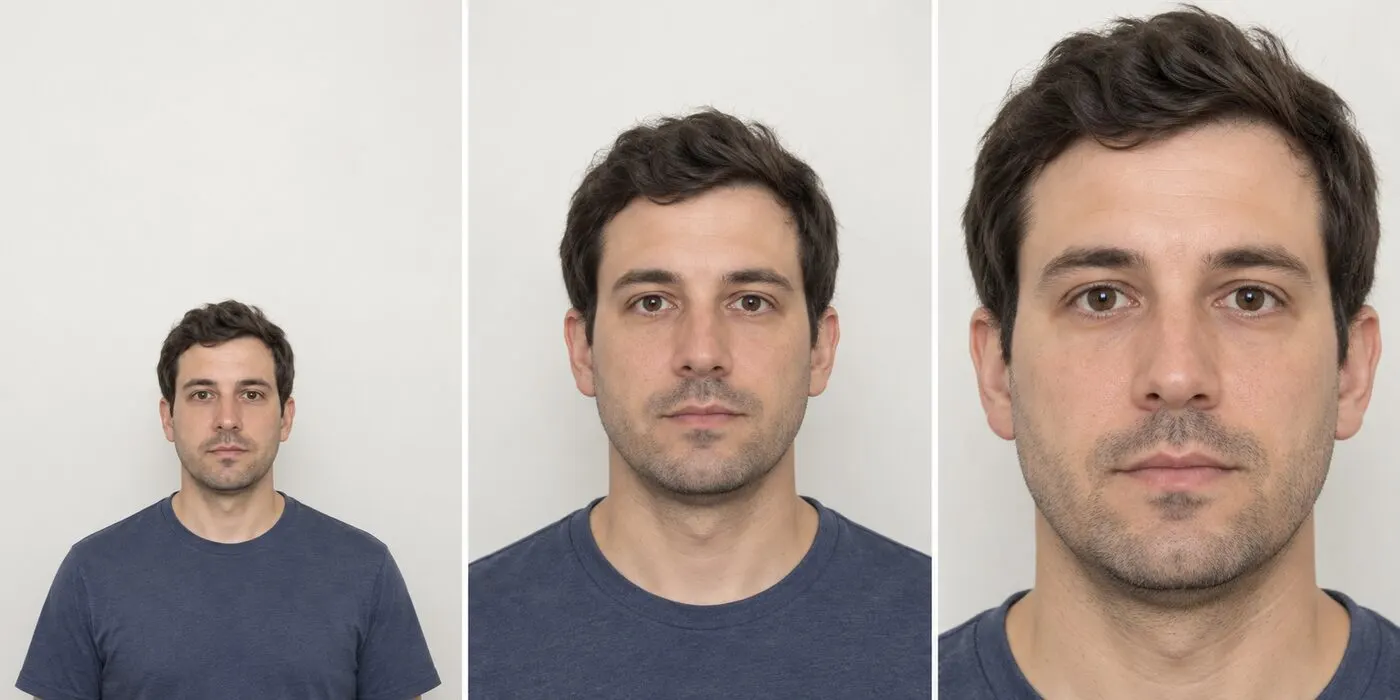
More visual examples
These are educational illustrations, not official government examples or photos to submit.
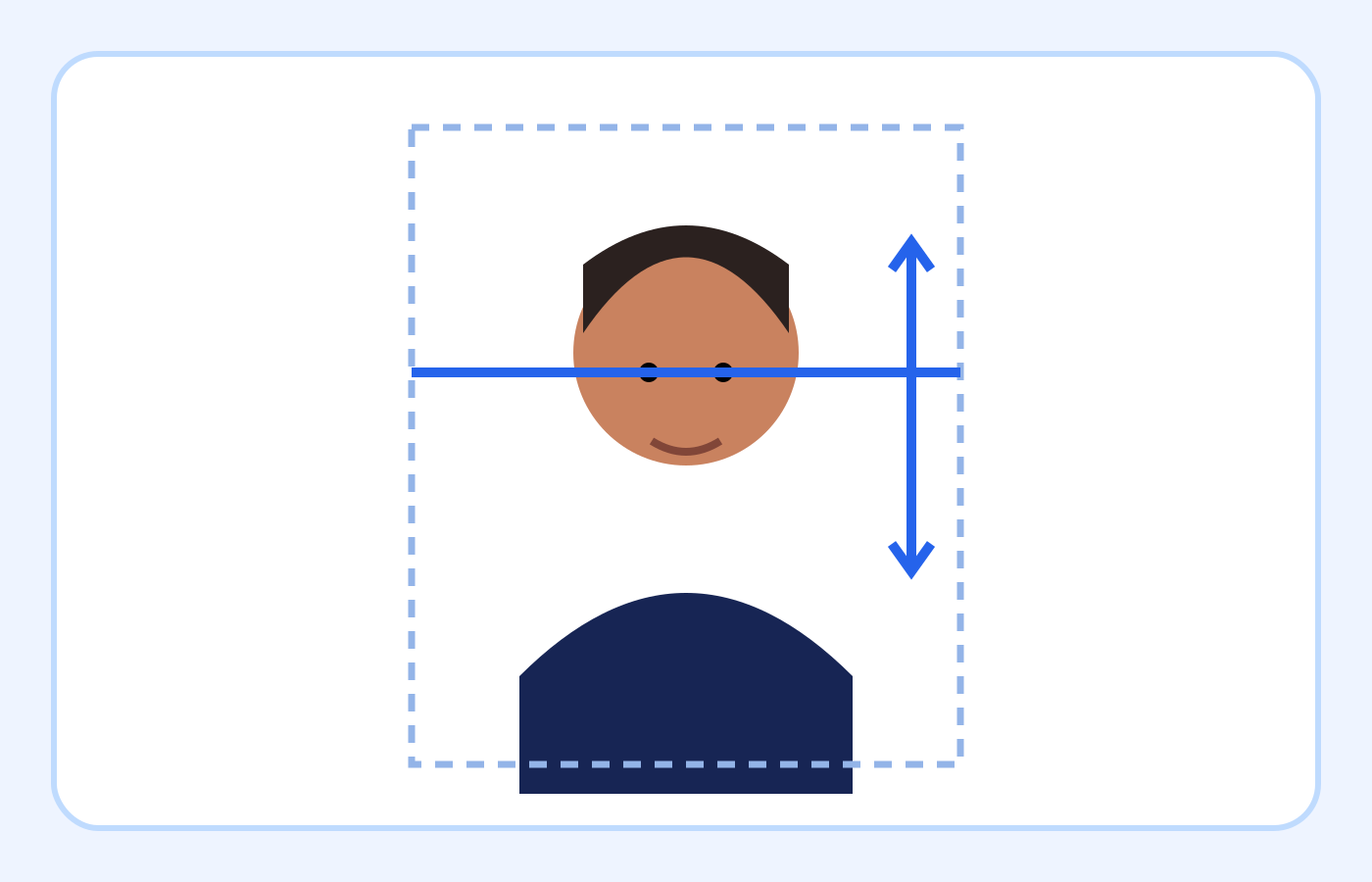
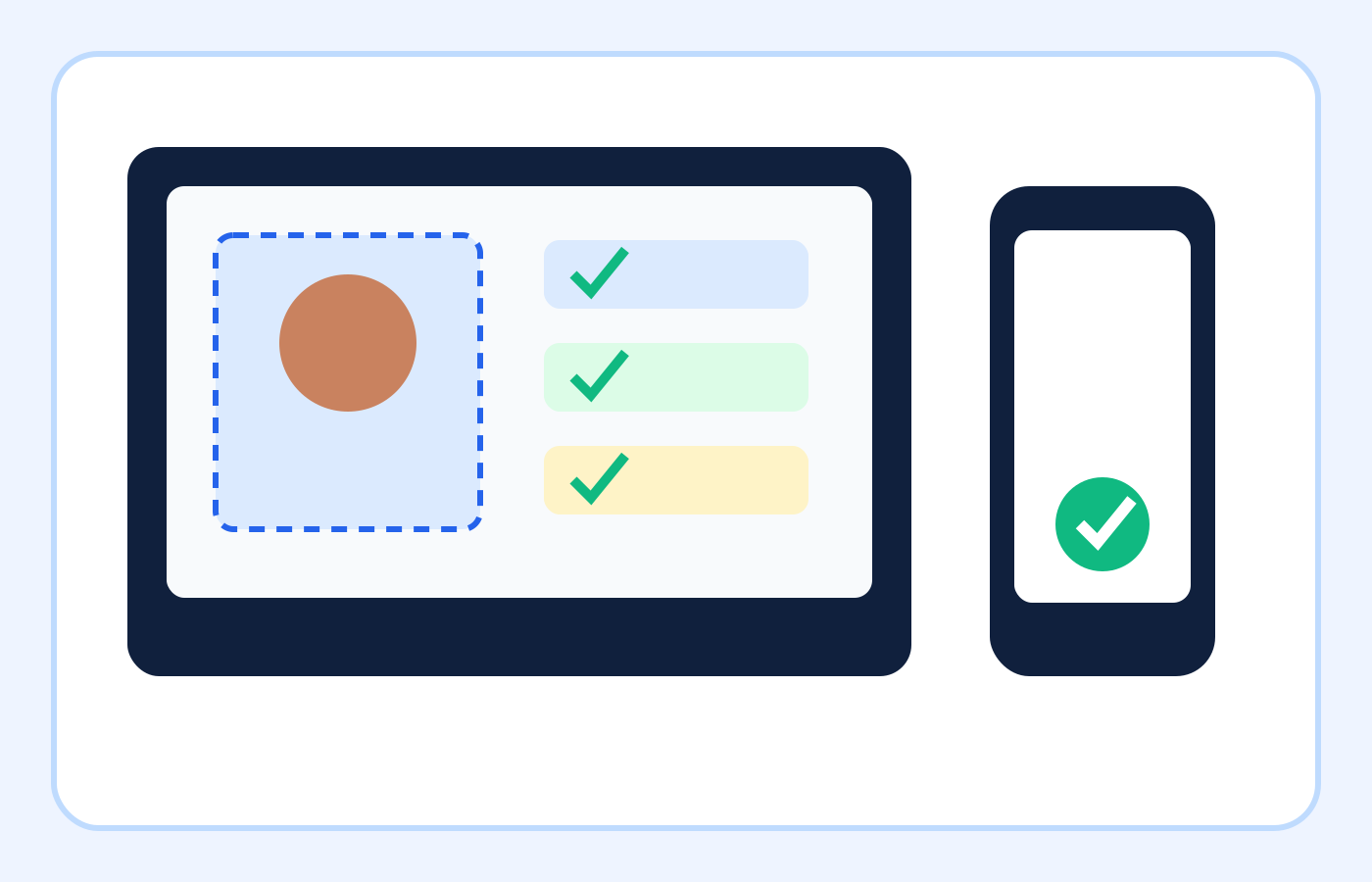
Dimensions, shape and file size explained
| Property | DV entry target | What it controls |
|---|---|---|
| Width | 600 pixels | Horizontal image dimensions |
| Height | 600 pixels | Vertical image dimensions |
| Aspect ratio | 1:1 square | Prevents a rectangular or distorted result |
| Format | JPEG | The encoded image type accepted for the entry |
| File size | No more than 240 KB | Stored data after JPEG compression |
On smaller screens, swipe horizontally to see every column.
What the checker can—and cannot—verify
It can help with
- ✓ Reads the uploaded file’s true format, pixel dimensions and stored file size.
- ✓ Provides a square crop and can export a corrected 600×600 JPEG when the source is suitable.
- ✓ Rechecks the downloaded result so dimensions and size can be confirmed together.
You must review yourself
- • Cannot verify when the photograph was taken or whether it was used in an earlier entry.
- • Cannot reliably decide every visible issue, such as an altered appearance, unsuitable expression or background shadow.
- • Cannot guarantee that the Department of State will accept the photo.
How to use the checker
- 1Upload the highest-quality original available, not a screenshot or messaging-app preview.
- 2Review the detected format, width, height and file size before changing anything.
- 3Adjust a natural square crop, then export a genuine 600×600 JPEG.
- 4Reopen the downloaded file and inspect facial detail; confirm it is no larger than 240 KB before selecting it in the entry form.
What 600×600 pixels means
Pixel dimensions describe the number of image pixels across and down. A 600×600 image is 600 pixels wide and 600 pixels high. Because both values are equal, its aspect ratio is 1:1, or square.
Do not confuse pixels with printed inches. The 600×600 rule applies to the digital image uploaded with an online Diversity Visa entry. Printed photographs used later in the visa process have separate physical-size instructions.
Working from a print? The scanning guide explains how physical size becomes pixel dimensions.
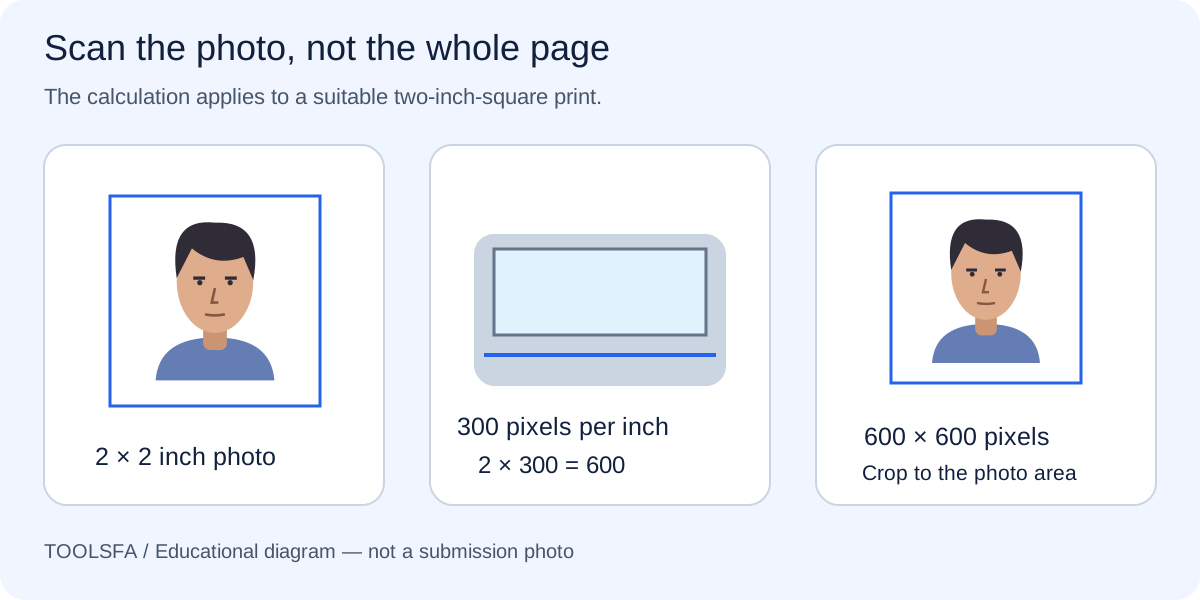
Why cropping should happen before resizing
A typical phone camera creates a rectangular photo. Stretching that rectangle directly to 600×600 distorts the applicant’s face. Crop a square composition first, then resize the square to the required pixel dimensions.
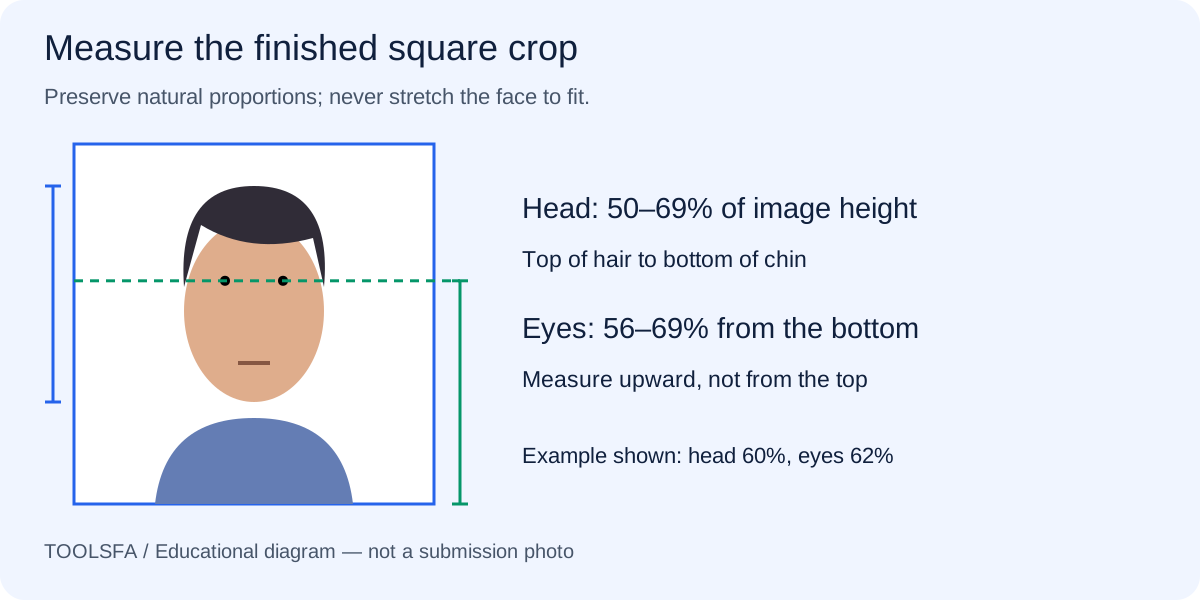
The crop must still preserve the correct head proportion and eye position. Centering the face without measuring the top of the head, chin and eye line can produce a file that is technically 600×600 but visibly unsuitable.
Before resizing, check the composition measurements so the square crop contains the correct framing.
What the 240 KB limit means
Kilobytes measure the stored file size, not the width or height. Two photographs with the same 600×600 dimensions can have different file sizes because JPEG quality, detail and compression vary.
If a finished JPEG exceeds 240 KB, re-export it with moderate JPEG compression. Inspect the result at full size: excessive compression can introduce blockiness, halos or loss of facial detail even though the file becomes smaller.
For a file that is still too large, follow the detail-preserving compression guide rather than reducing the canvas dimensions.
- 240 KB is a maximum, not a target that must be reached exactly.
- Changing only the filename extension does not convert the image to JPEG.
- DPI metadata does not replace the 600×600 pixel requirement for the online file.
- Always reopen the downloaded file and confirm its final dimensions and appearance.
Use the safest correction order
Start with the highest-quality original available. Crop it to a square using suitable head placement, resize that crop to 600×600 pixels, export as JPEG, and then reduce JPEG quality only as much as necessary to remain at or below 240 KB.
The order matters. Compressing a large original before the crop may waste quality, and enlarging a tiny or blurred source cannot recreate missing facial detail. If the original is poor, a new photograph is safer than repeated processing.
Worked example: correct three different file problems
Assume a phone original is 3024×4032 pixels, stored as HEIC and much larger than 240 KB. Resizing that rectangle directly to 600×600 would distort the face, while renaming it .jpg would leave the underlying format unchanged.
Start with the original, choose a square crop with suitable composition, export that crop as a genuine JPEG at 600×600 pixels, and inspect the saved size. If the first JPEG is 268 KB, return to the source crop and lower JPEG quality modestly until the result is 240 KB or less. Reopen the final copy and compare the face with the original before upload.
Frequently asked questions
Does a 600×600 photo automatically meet the DV photo rules?
No. Those numbers confirm only the canvas dimensions. The file must also be a genuine JPEG no larger than 240 KB, and the portrait still needs suitable composition, background, lighting, pose and natural appearance.
Should I make the file exactly 240 KB?
No. The official rule is equal to or less than 240 KB. Do not add data or reduce quality merely to approach the limit; use the clearest compliant result below it.
Can I change 72 DPI to 300 DPI instead of resizing?
No. DPI metadata does not change a digital image’s pixel grid. For an online DV entry, verify that the actual final image is 600 pixels wide and 600 pixels high.
Official sources
Always check the instructions for the program year in which you apply. ToolsFA is independent and is not affiliated with the U.S. government.