Mistakes to avoid
Common DV Lottery Photo Mistakes and How to Avoid Them
Many photo problems are easy to miss because the file opens normally on a phone or computer. Review technical properties and visible composition separately before submitting a Diversity Visa entry.
Reviewed against U.S. Department of State photo guidance
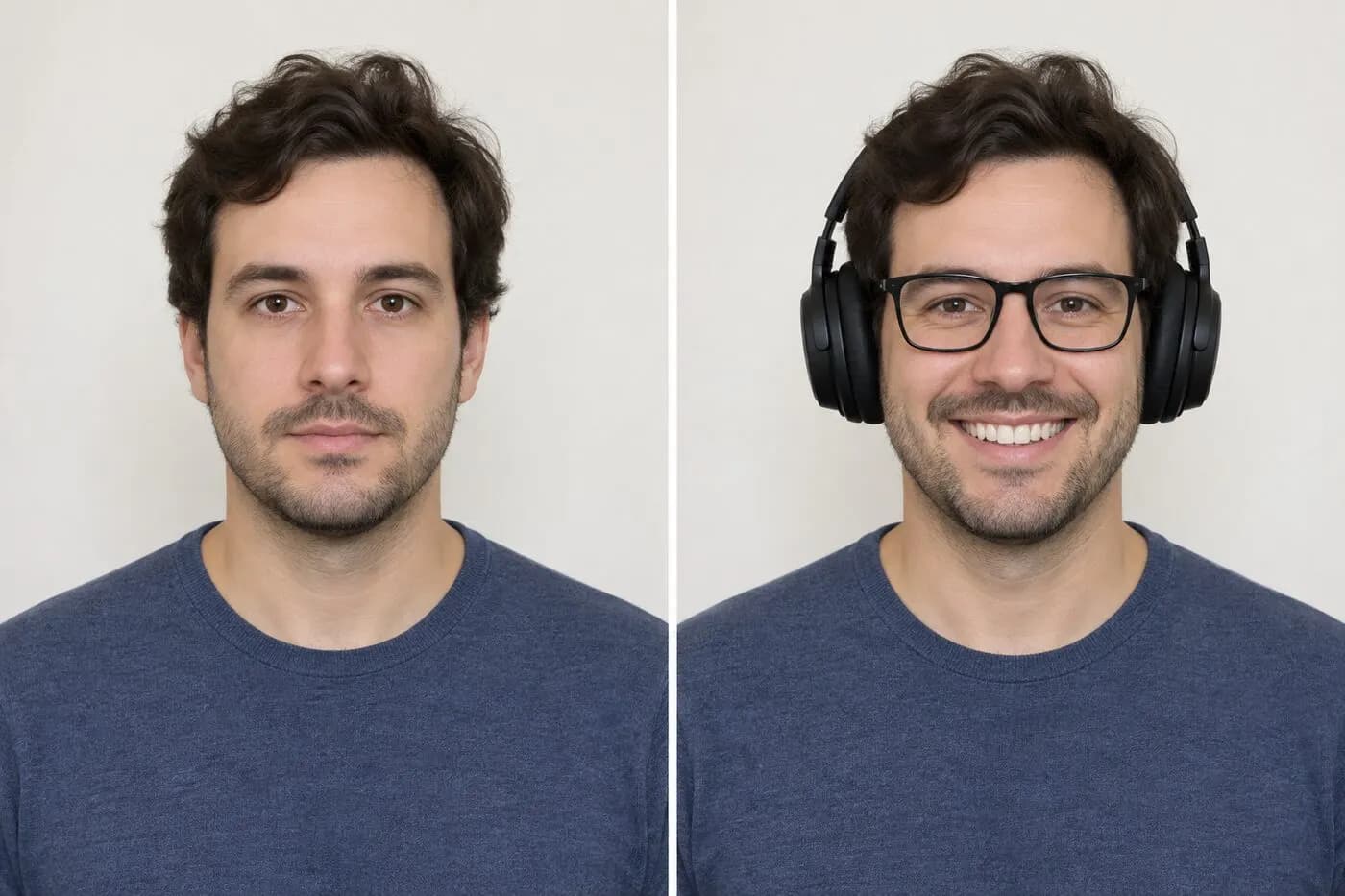
More visual examples
These are educational illustrations, not official government examples or photos to submit.
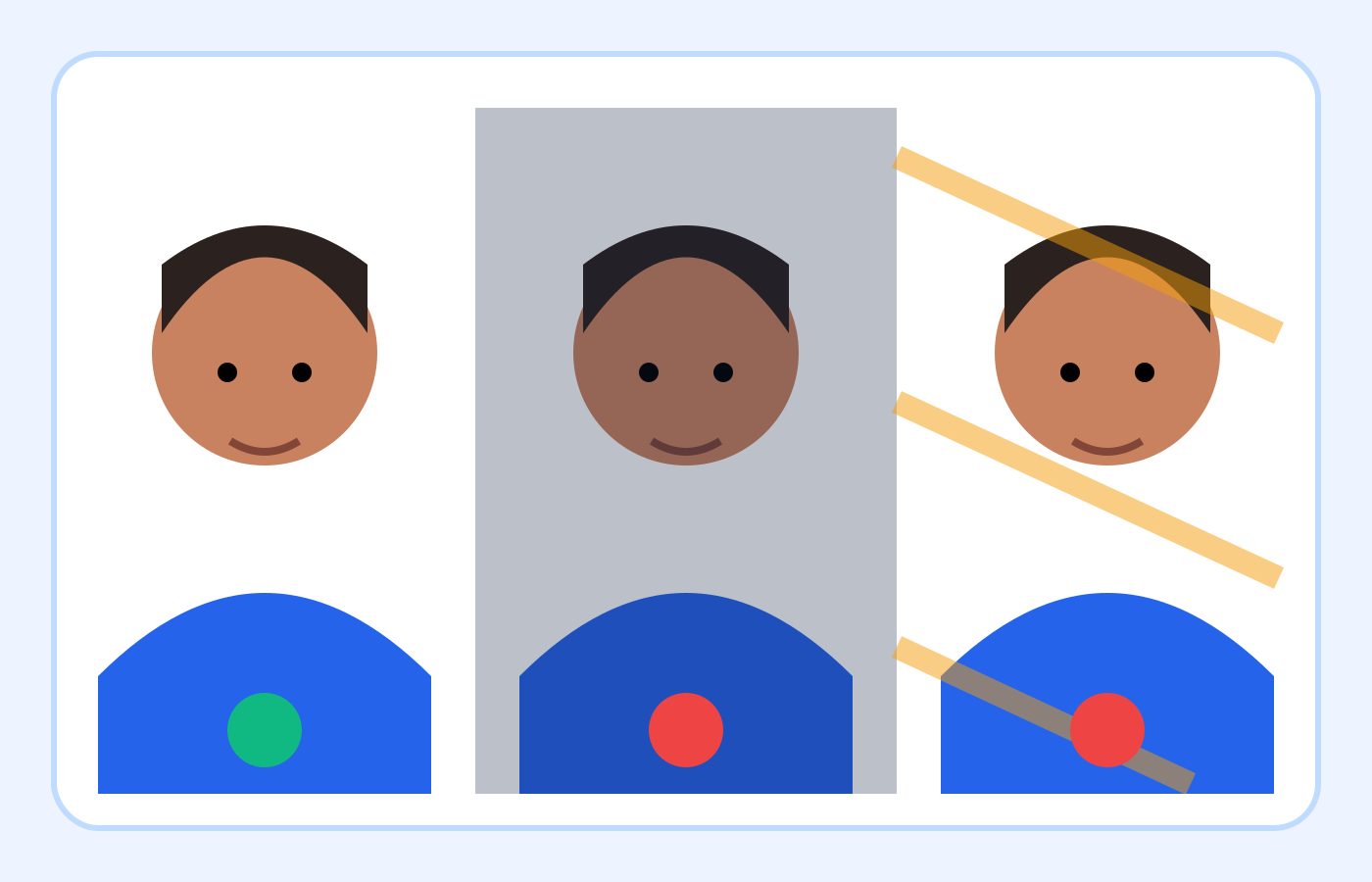
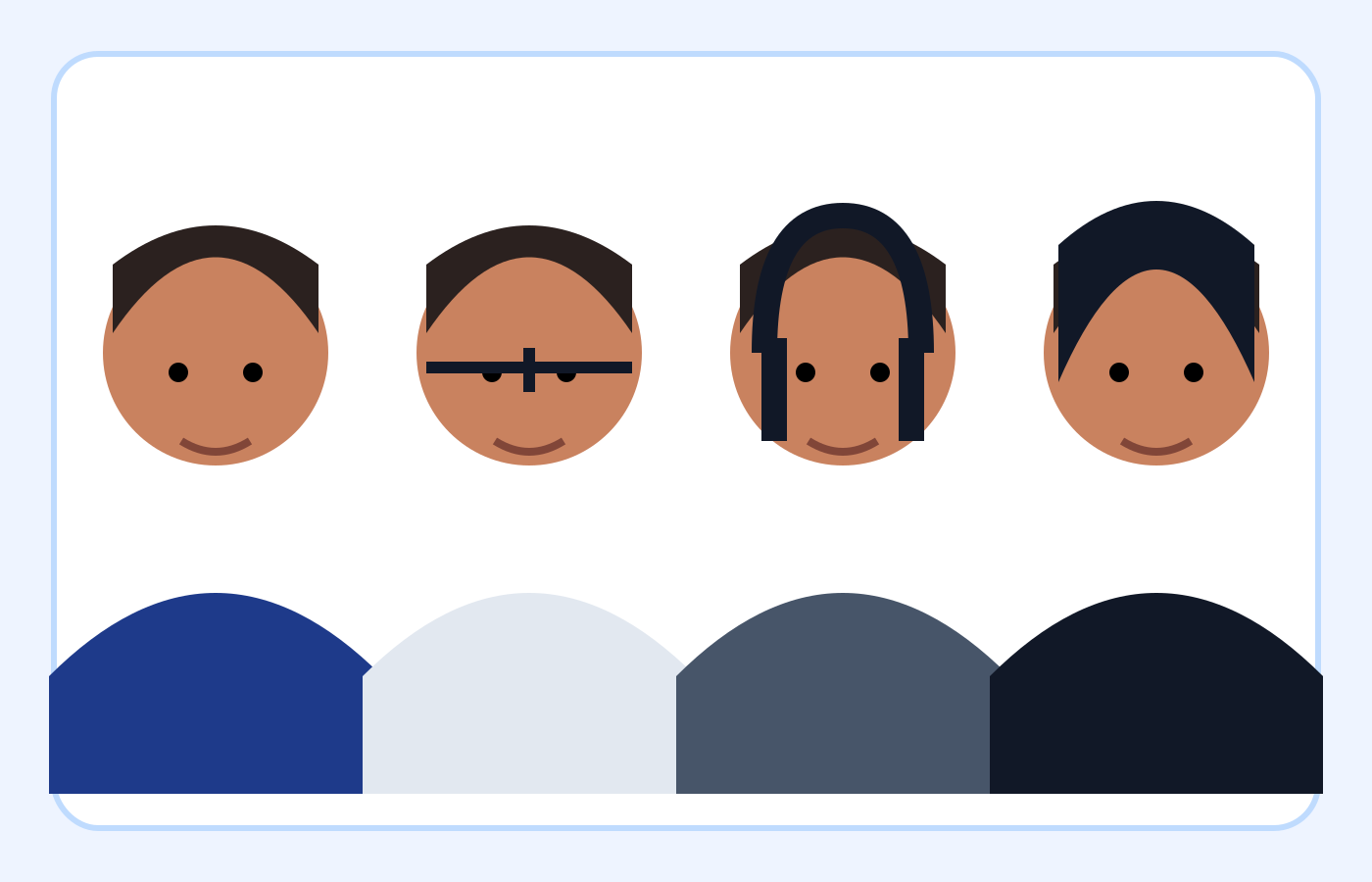
Common mistakes and the safest response
| Mistake | Why it matters | What to do |
|---|---|---|
| Wrong format | A .jpg filename may hide another file type | Export a genuine JPEG |
| Stretched square | Resizing a rectangle can distort the face | Crop to square before resizing |
| Wall shadow | The background is no longer plain and even | Move away from the wall and retake |
| Close selfie | Wide-angle perspective can distort features | Ask someone to use the rear camera farther away |
| Filter or retouching | The photo may no longer show natural appearance | Return to the original or retake |
| Old photograph | The image may not reflect current appearance | Use a new photo taken within six months |
On smaller screens, swipe horizontally to see every column.
What the checker can—and cannot—verify
It can help with
- ✓ Checks JPEG encoding, actual pixel dimensions and stored file size, separately from automated visual estimates.
- ✓ Estimates face direction, head size, eye position, expression and background for your review.
- ✓ Can create a separate cropped, resized and compressed JPEG when a suitable original can be framed safely.
You must review yourself
- • Cannot verify the photo date, previous use or every accessory and appearance alteration.
- • Cannot repair a genuinely blurred face, remove a wall shadow or reconstruct missing hair and head edges.
- • Cannot approve a photo or guarantee government acceptance; a high score does not override a visible problem.
How to use the checker
- 1Open the original and confirm that it is recent, natural and sharp before checking its file properties.
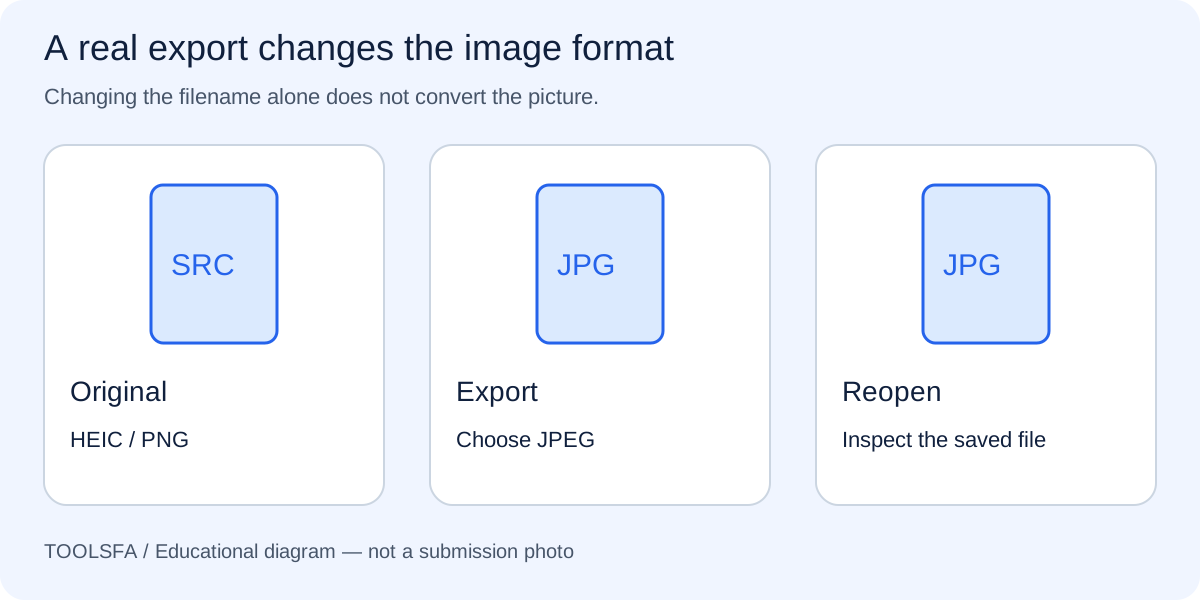
- 2Use the checker to review JPEG encoding, dimensions and file size. If the source is HEIC or PNG, export a genuine JPEG through a compatible photo application first.
- 3Separate file-only problems from capture problems: correct crop, size or compression when safe; retake for blur, shadows, distortion or altered appearance.
- 4Review the automated estimates against the actual portrait and official examples, including accessories and the complete head outline.
- 5Download any corrected copy, reopen it and recheck that exact file before choosing it in the entry form.
1. Correct filename, wrong file format
A file called photo.jpg may still contain PNG, HEIC or WebP data if someone only renamed it. Export or convert the image properly and verify its actual format rather than trusting the extension.
For a format mismatch, use the genuine JPEG conversion guide instead of changing the extension.
2. Resizing without a square crop
Forcing a rectangular image into a square canvas can stretch or squeeze the face. Crop to a natural square composition before resizing, and leave enough original space to position the head correctly.
3. Head or eyes outside the required range
The head may be too small, too large, too high or too low even when the face looks centered. Measure from chin to crown and check the eye line rather than judging only by empty space around the head.
4. Shadows or an unsuitable background
A wall that appears white can still show a strong gray shadow, color cast, texture or objects. Move away from the wall, improve front lighting and retake the photograph instead of digitally painting the background.
5. Selfie distortion, blur or camera filters
A close selfie can exaggerate features, while portrait mode may blur hair and shoulders. Beauty filters can change skin texture or facial details. Ask another person to use the rear camera at eye level with all filters disabled.
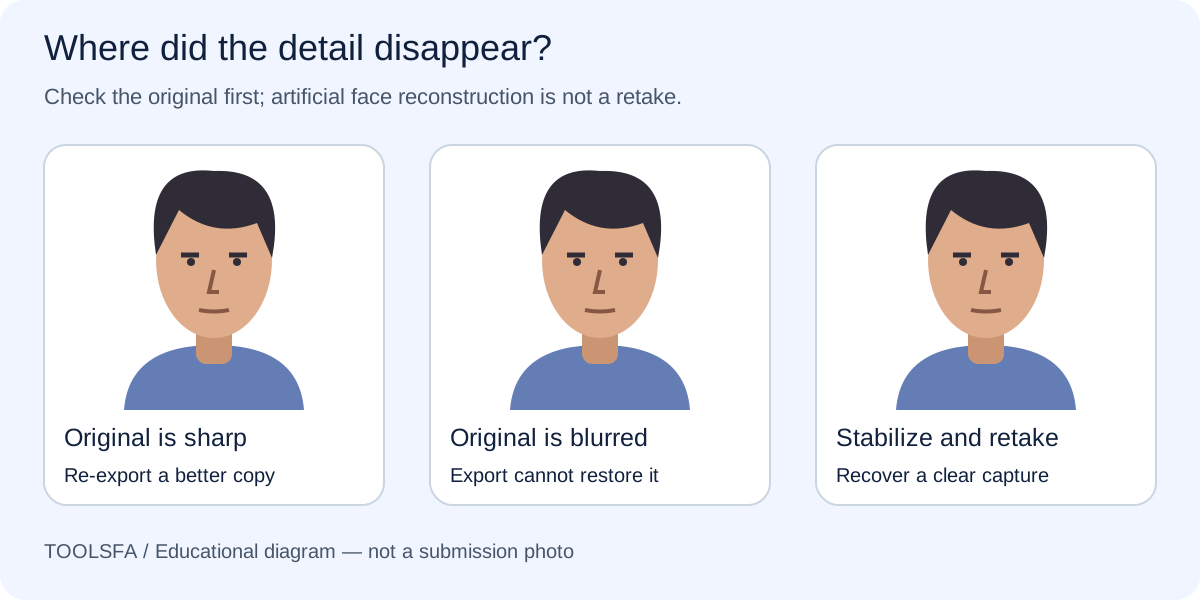
To identify whether the problem began in the camera or export, read how to diagnose blur and pixelation before editing.
6. Glasses, headphones or the wrong expression
Remove headphones and wireless hands-free devices. A hearing device or similar article that you normally wear may remain. Eyeglasses generally must be removed; the Department of State describes only rare medical exceptions supported by a signed medical statement. Face the camera directly, keep both eyes open and use a neutral expression. Check these details manually because automated expression and accessory detection can be imperfect.
7. Reusing an old or altered photograph
Use a photo taken within the last six months that reflects the applicant's current appearance. Do not use retouching or AI enhancement to modify facial features, skin, expression or other identifying details.
For a new studio photograph, bring the photographer checklist and ask for the original file.
Important: The checker cannot verify when a photo was taken or whether it was used previously. These items require the applicant's confirmation.
Worked example: a small JPEG that still needs a retake
Assume a portrait is already a genuine 600×600 JPEG at 180 KB. It passes those file checks, but a dark wall shadow is visible and the applicant is wearing ordinary prescription glasses. Recompressing it to 120 KB would not solve either visible problem.
Remove the glasses, improve the lighting and move away from the wall before taking a fresh photograph. Keep a normally worn hearing device in place if needed. Check the new original, prepare the final square JPEG and inspect its face and background manually. The useful decision is whether the source is suitable, not whether a score can be raised by further exports.
Frequently asked questions
Should I keep editing a photo until every automated check passes?
No. Estimates can be wrong, and some visible problems require a retake. Compare the actual photograph with the official guidance instead of changing appearance to satisfy a score.
Must hearing aids be removed like headphones?
No. The Department of State permits a hearing device or similar article normally worn. Headphones and wireless hands-free devices are not permitted. Eyeglasses generally must be removed, with only rare documented medical exceptions.
Does an upload that succeeds prove my photo is acceptable?
No. Successful transfer is not photo approval. Confirm the current program instructions, recent-photo requirement and visible composition as well as the digital file rules.
Official sources
Always check the instructions for the program year in which you apply. ToolsFA is independent and is not affiliated with the U.S. government.