Lighting and background
DV Lottery Photo Background and Lighting Guide
A wall can look white to your eyes and still photograph as gray, colored or uneven. The final image needs a real plain white or off-white background, accurate color and even light without shadows on the face or backdrop.
Reviewed against U.S. Department of State photo guidance
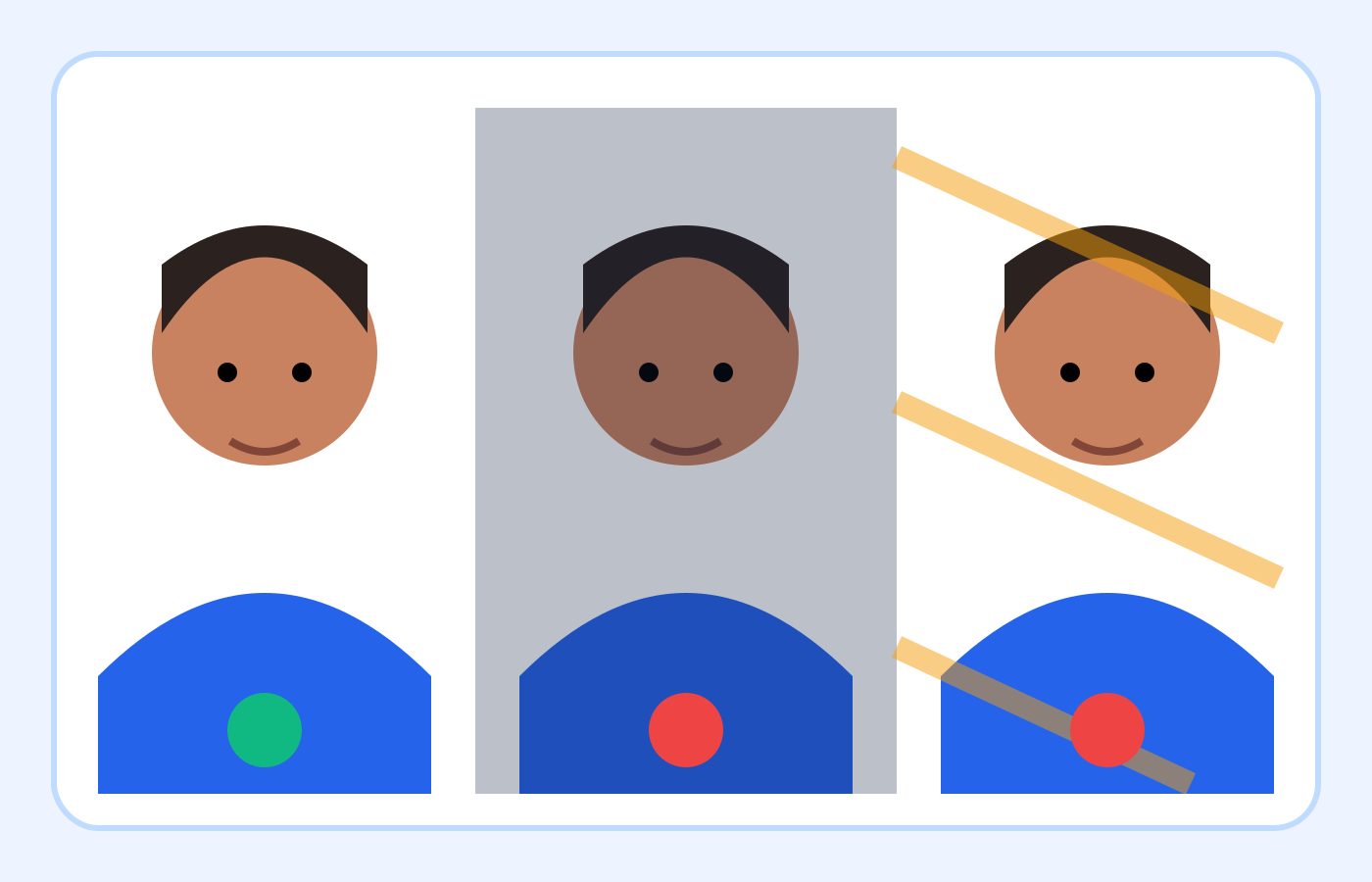
More visual examples
These are educational illustrations, not official government examples or photos to submit.
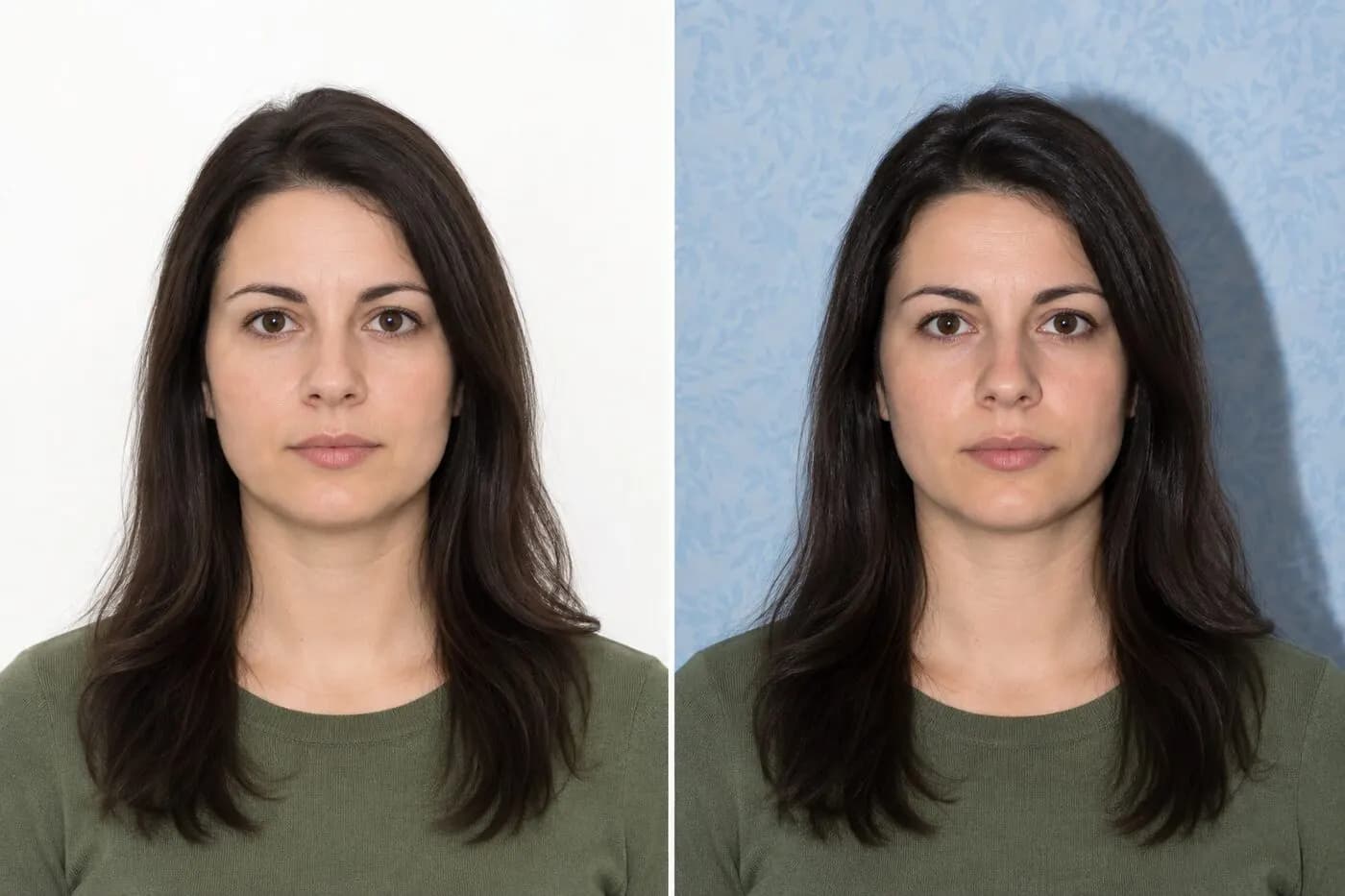
Background and lighting review
| Area | Better | Retake when |
|---|---|---|
| Color | White or off-white | Another color shows |
| Surface | Plain and smooth | Texture or objects |
| Face light | Even | One side is dark |
| Wall shadow | None | Dark outline appears |
| Detail | Natural and clear | Highlights or shadows hide detail |
On smaller screens, swipe horizontally to see every column.
What the checker can—and cannot—verify
It can help with
- ✓ Estimates whether visible background pixels are light, even and free of strong color.
- ✓ Flags a likely wall shadow or colored background for manual review.
- ✓ Checks the final file and composition alongside the background estimate, entirely in your browser.
You must review yourself
- • Cannot confirm that every texture, seam, object or editing halo is absent.
- • Cannot measure professional color accuracy or prove that facial lighting is uniform.
- • Does not replace the background, remove shadows, relight the face or guarantee government acceptance.
How to use the checker
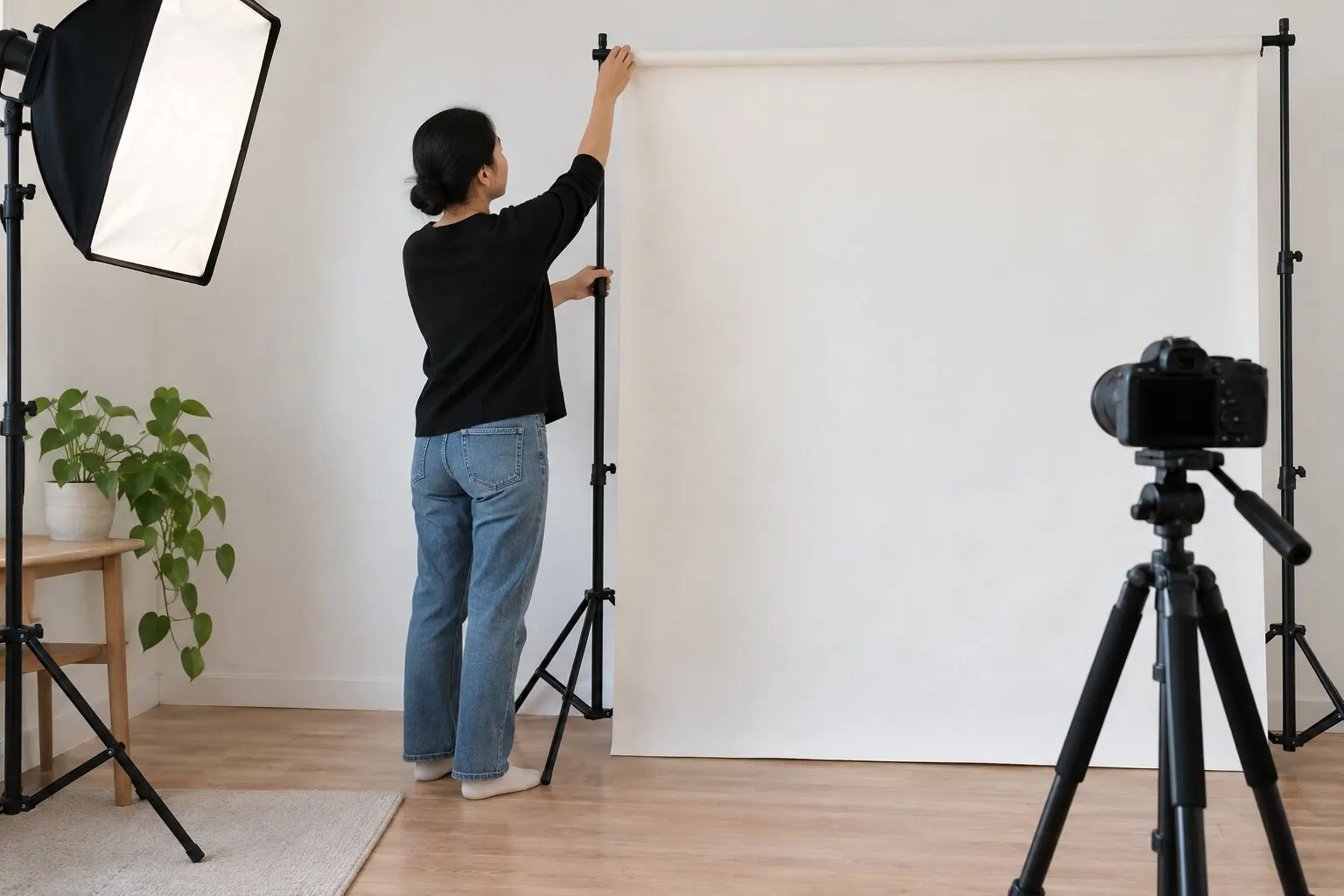
- 1Photograph the applicant several feet in front of a plain white or off-white wall or smooth backdrop, with the camera and soft light in front.
- 2Choose the sharpest unedited original and inspect the face, hairline, shoulders and all four background corners at full size.
- 3Upload the original to the checker and review the background result together with the actual image; treat an automated pass as an estimate, not approval.
- 4Retake the photo if the face or backdrop has a shadow, color cast, texture, object or artificial edge. Use crop, resize and compression only after the visible scene is suitable.
- 5Reopen the finished 600×600 JPEG and compare it with the original and official examples before selecting it in the entry form.
Video tutorial · 7:15
Video: see these checks in the real tool
Test 3 shows the background check failing on blue wallpaper, and why shadows still need your own review.
Chapters
The demo photos and the narration in this video are synthetic. Results are automated guidance; final acceptance is determined by the U.S. Department of State. Watch on YouTube ↗
Choose a genuinely plain background
Use a smooth white or off-white wall or backdrop that fills the frame. Remove pictures, doors, seams, furniture and visible floor or ceiling edges before taking the photo.
A pale wall is not automatically suitable. Review the saved photograph on a larger screen for texture, lines and a blue, yellow or gray cast that a small phone preview can hide.
For the full capture sequence, follow the home photo guide from backdrop selection to final framing.
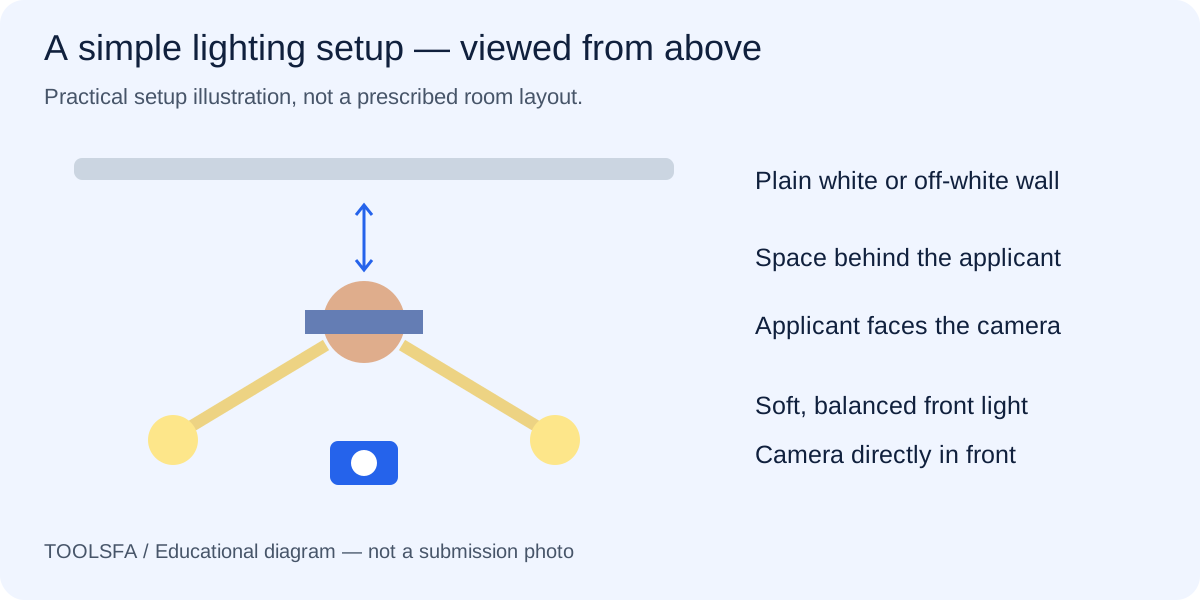
Create distance between the applicant and wall
Standing against the wall makes a dark outline around the head and shoulders more likely. Move the applicant several feet forward when space allows, while keeping enough distance from the camera for natural facial proportions.
Place the camera near eye level and keep the main light in front. A light far to one side can leave part of the face dark even when the wall looks bright.
Using a studio? Take the photographer checklist to explain the result you need.
Use soft, balanced light and inspect the actual image
Indirect window light or two similar front lamps can work when they illuminate both sides of the face consistently. Avoid mixed light colors, strong overhead light and a hard flash that produces shadows or washed-out highlights.
Check the original before file preparation. Cropping, resizing or compressing a photograph does not correct poor light, inaccurate color or a visible wall shadow.
If the image is still soft after improving the light, use the blur diagnosis guide to check focus and motion.
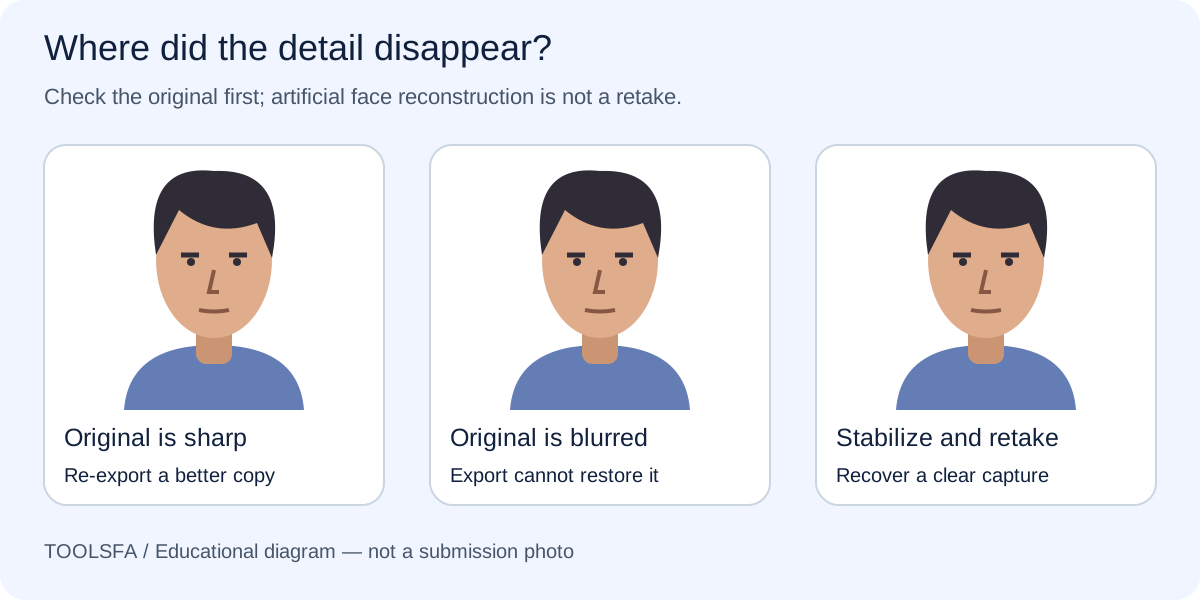
- Inspect both sides of the nose, eyes and chin.
- Look around the hair and shoulders for a dark outline or editing halo.
- Check that skin tones remain natural and facial detail is not washed out.
- Retake instead of painting or replacing the background digitally.
Interpret the checker result conservatively
The ToolsFA background check samples pixels outside the detected subject and looks for a light, fairly even background without strong color. That can help identify an obviously colored wall or likely shadow, but it is not object recognition or a government review.
If too little background is visible, the checker may be unable to measure it reliably. A tight crop is also harder to assess and may leave too little room for correct head size and eye position.
Important: A technical or automated pass does not prove that the background, lighting or overall photo will be accepted. Review the current official examples yourself.
Worked example: separate a lighting problem from a file problem
Assume a phone photo is sharp and large enough, but the applicant stood directly against an off-white wall under one ceiling light. The wall looks gray on one side, a dark outline appears behind the hair, and one eye is in deeper shadow. Cropping the file to 600×600 pixels can fix dimensions, but it cannot make this capture compliant.
Move the applicant several feet forward, place soft light in front on both sides, and take a new unfiltered original. Inspect skin color and the wall at full size, then use the checker. If the new background is light and even, finish the crop and file preparation; if the image still shows shadow or color, adjust the physical setup and retake it again.
Frequently asked questions
Does the background have to be pure white?
The Department of State allows a plain white or off-white background. It should not show shadows, texture, objects, lines or a strong color cast.
Can I erase a shadow or replace the background digitally?
Retake the photograph with a suitable real background and better light. Digital replacement or retouching can alter the outline of the head, face or neck and is not a safe fix.
Why can the checker pass a background that still looks wrong?
The checker samples visible pixels and estimates brightness, color and evenness. It may miss subtle texture, objects, seams, editing halos or lighting problems on the face, so manual comparison with the official examples is still required.
Should I use a phone flash?
Only if the result is evenly lit and shadow-free. A direct flash often creates a hard wall shadow or shiny highlights; soft front lighting or balanced lamps usually gives a more controllable result.
Official sources
Always check the instructions for the program year in which you apply. ToolsFA is independent and is not affiliated with the U.S. government.